

Gemini Omni vs Seedance 2.0: Which AI Video Generator Actually Wins in 2026?
Something shifted in April 2026. Sora — the model that arguably started the whole AI video conversation — quietly shut down its consumer app. No farewell post, no dramatic announcement. Just gone.
Into that gap stepped two very different contenders. ByteDance's Seedance 2.0 had already been running the benchmark leaderboards for months. Then on May 19th, Google dropped Gemini Omni at I/O 2026, and suddenly the entire AI community had an opinion.
The short answer to "which one wins": it genuinely depends on what you're making. But the longer answer is more interesting — because these two models are built on fundamentally different bets about what AI video should even be.
What Is Gemini Omni, Exactly?
Quick context if you missed the keynote. Gemini Omni (the first production version is called Omni Flash) is Google DeepMind's attempt at a truly native multimodal model. Not a pipeline that converts your prompt to text and then to video — a single neural network that reasons across text, images, audio, and video all at once.
The headline feature isn't purely about output quality. It's about editing videos through a conversation. Drop a clip into the Gemini app, type "make the background look like it's raining," and it does it. Keep tweaking in the same thread. That's not something any competitor currently offers.
One thing Google deliberately held back — and it's worth knowing about — is voice/audio editing. They've got the capability working, but they chose not to ship it because of deepfake risks. Every Omni output gets embedded with an invisible SynthID watermark and C2PA credentials verifiable through Chrome or Google Search. That kind of safety infrastructure is very Google.
Omni Flash is available now for Google AI Plus, Pro, and Ultra subscribers, and rolling out free to YouTube Shorts creators. The developer API is expected "within weeks."

Gemini Omni's "any-to-any" architecture processes text, images, audio, and video in a single neural network — a fundamentally different approach from existing video generators.
What Is Seedance 2.0? (And Which Mode Are We Talking About?)
Seedance 2.0 came out of ByteDance and has been sitting at the top of the Artificial Analysis video leaderboard since February 2026 — Elo 1,212 on text-to-video with audio. Comfortably ahead of everything else in the field.
But "Seedance 2.0" isn't one monolithic thing. There are three distinct modes, and they serve pretty different purposes:
Standard Mode — The Quality Flagship
Think cinematic motion, realistic physics, and smooth camera work. The 1080p output is genuinely impressive — fabric moves like fabric, water actually ripples. It costs more per second to run, but if you need the best raw output, this is where you go.
Fast Mode — The Volume Creator's Best Friend
Quality takes a slight step down from Standard, but the cost difference is enormous. Roughly $0.022 per second versus $0.199 per second for Standard. If you're running ad campaigns, social content pipelines, or generating at any kind of scale, that spread matters more than the quality delta.
Face Mode — Real Faces, Properly Handled
Built specifically for working with real human faces. It handles natural micro-expressions, full-body motion, and multilingual lip-sync in ways that general-purpose models usually fumble. Gemini Omni has an Avatar feature, but it requires recording yourself speaking to create a digital likeness. Seedance Face Mode works from a reference image — much less friction.
You can try all three modes directly in your browser on RSWAI Studio's Seedance 2.0 page, no API config required.
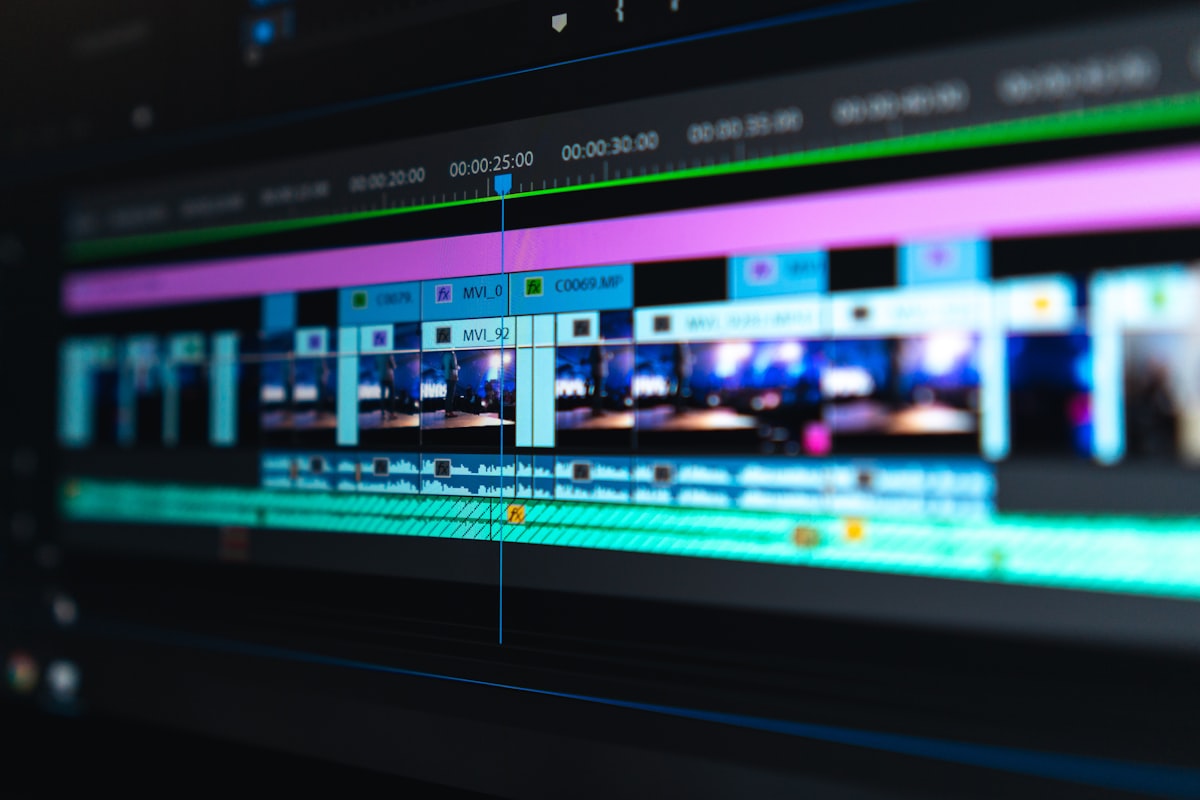
Seedance 2.0's three modes — Standard, Fast, and Face — each target a different production workflow. Fast Mode is particularly compelling for volume content at $0.022/sec.
The Actual Head-to-Head
Let's get into the comparison. I'll try to be honest about where each model genuinely wins rather than picking a side up front.
1. Text Rendering — Gemini Omni Wins, Clearly
This is the clearest advantage for Omni. The "chalkboard test" has become an informal benchmark in AI video communities — you prompt a model to show a character writing a math equation, then watch what happens to the text as the clip plays.
With Seedance 2.0, the formula degrades within about 3 seconds. You can literally watch it get mangled. Gemini Omni keeps sin²(x) + cos²(x) = 1 readable through the entire clip.
For educational content, explainer videos, product demos with baked-in text, or anything with brand copy in the frame — Omni's advantage here is real.
2. Physics Simulation & Motion Realism — Seedance 2.0 Wins
This is where Seedance earned its leaderboard spot. The way it handles food, fluid, and cloth physics is a cut above. There's a widely-shared test involving soup in a bowl — Omni's version has the food partially disappear as the camera moves. Seedance handles the same prompt without issue.
ByteDance has been training on video data at a scale that's difficult to match, and it shows in how naturally objects move and interact. The motion model is just more battle-tested.
3. Conversational Editing — Gemini Omni (Nobody Else Even Has This)
This is Omni's most differentiated feature, and it's significant. The ability to say "now make the jacket red" or "remove that background object" in a follow-up message — and have the model execute while keeping scene coherence — is genuinely new territory.
Every other video model currently works like a slot machine. You prompt, you wait, you get something back, and if it's not right you start over from scratch. Omni turns the whole process into a conversation. For iterative creative work, which is most real production work, that's a meaningful workflow shift.
4. Pricing — The Numbers Are Surprising
The pricing reality of Gemini Omni is worth a reality check. Generating one 10-second Omni Flash clip consumes roughly 43% of an AI Pro user's daily quota. Two clips and you've basically used your day. At the estimated API rate of $0.30–$0.50 per 10 seconds, it adds up quickly.
Seedance Fast Mode at $0.022/second works out to about $0.11 for a 5-second clip, or $0.33 for 15 seconds. Run it at scale via API and there are no hard quota walls. For production pipelines, that's a fundamentally different cost structure.
5. Video Length
Gemini Omni Flash is currently capped at 10 seconds. Google has said this is a deployment decision, not a technical hard limit, and longer outputs are coming. But right now, that ceiling matters for certain projects. Seedance 2.0 goes up to 15 seconds across all modes.
6. First & Last Frame Control
One thing Seedance 2.0 supports — and it's underrated — is first and last frame mode. You upload a starting image and an ending image, and the model generates the motion between them. That level of control over the clip's arc doesn't exist in Gemini Omni right now. If you're doing product reveals, scene transitions, or any kind of storyboarded content, this matters.
Side-by-Side Comparison Table
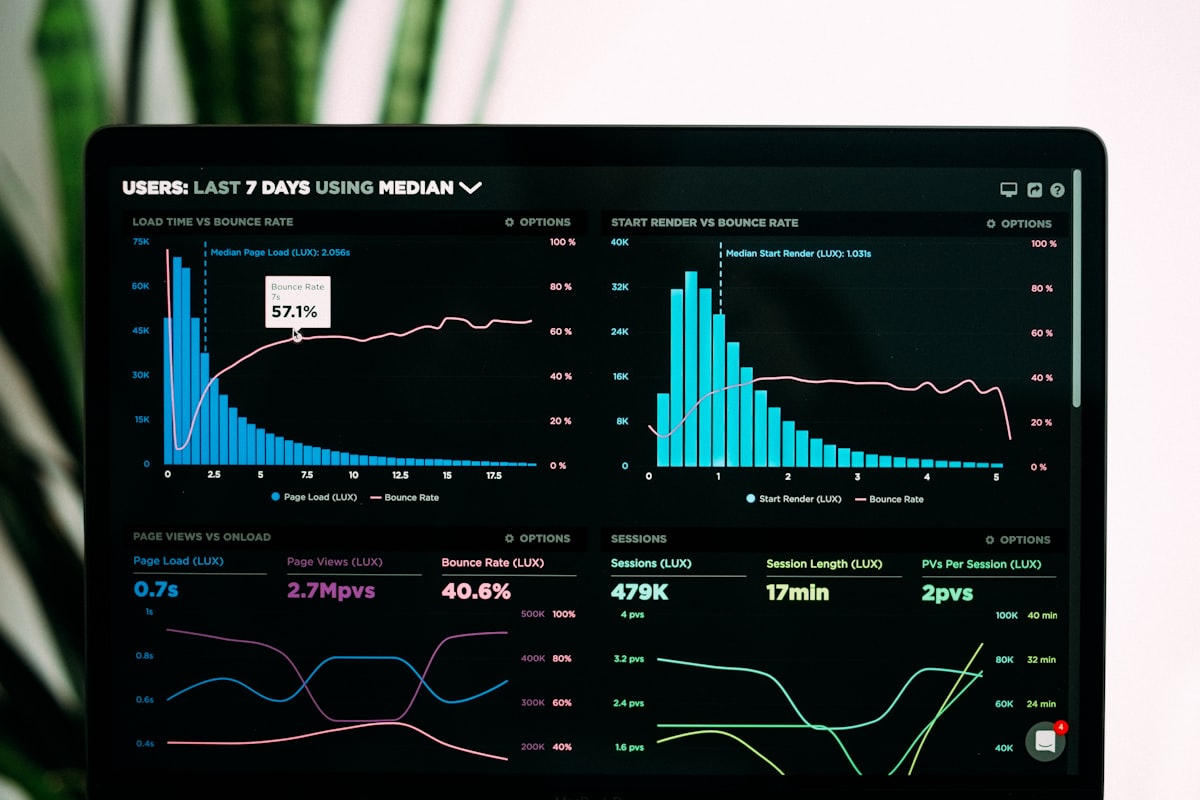
Seedance 2.0 currently holds Elo 1,212 on the Artificial Analysis text-to-video leaderboard — the highest score of any publicly available model as of May 2026.
| Gemini Omni Flash | Seedance 2.0 Standard | Seedance 2.0 Fast | |
|---|---|---|---|
| Max Video Length | 10 seconds | 15 seconds | 15 seconds |
| Max Resolution | Not disclosed | 1080p | 1080p |
| Audio Generation | ✓ | ✓ | ✓ |
| Conversational Editing | ✓ | ✗ | ✗ |
| First & Last Frame Mode | ✗ | ✓ | ✓ |
| Face Mode | Avatar (requires self-recording) | Dedicated mode | Dedicated mode |
| Text Rendering | ⭐⭐⭐⭐⭐ | ⭐⭐ | ⭐⭐ |
| Physics Simulation | ⭐⭐⭐ | ⭐⭐⭐⭐⭐ | ⭐⭐⭐⭐ |
| Benchmark Rank | Not yet listed | #1 Elo 1,212 | Same |
| Estimated Cost | ~$0.30–0.50 / 10s | ~$0.199 / sec | ~$0.022 / sec |
| API Available | Coming soon | ✓ | ✓ |
| Free Tier | YouTube Shorts | Dreamina quota | Same |
What People Are Actually Saying
The discourse around these two models has settled into a fairly consistent pattern. Most creators agree that Gemini Omni is more exciting as a concept — multimodal, conversational, tied to Google's distribution — while Seedance 2.0 still wins on raw generation quality for most practical use cases.
One thing that keeps coming up is just how long Seedance has held its position:
"It's surprising how long Seedance 2.0 has remained state of the art." — X / Twitter
The general take in creator communities seems to be: Omni is the model you want when you need to polish and iterate. Seedance is the model you run when you need the output to look good on the first try.
Other AI Video Models Worth Knowing
While Gemini Omni and Seedance 2.0 are dominating the conversation right now, they're not the only players worth watching.
Kling 3.0 from Kuaishou remains strong for cinematic long-form clips and recently added 4K resolution support. If you need a second opinion on a video generation task, it's a reliable fallback that often surprises people.
On the image generation side, GPT Image 2.0 has been a quiet standout for brand-consistent visuals and detailed scene composition. Worth keeping in your toolkit even as the video models evolve.
Who Should Use Which?
Here's a practical decision guide, because "it depends" isn't useful:
Choose Gemini Omni if:
- Your videos need accurate text, formulas, or branded copy rendered correctly
- You work iteratively and want to refine through conversation rather than restart
- You're already on Google AI Pro and don't want another subscription
- You're creating specifically for YouTube Shorts (it's free there)
Choose Seedance 2.0 if:
- You need the best motion quality and physics realism available right now
- Your projects involve real human faces or multilingual lip-sync — use Face Mode
- You're generating at volume and need predictable API pricing (Fast Mode at $0.022/sec is hard to beat)
- Your clips need to be longer than 10 seconds
- You want first-and-last-frame control over your output
Use both — without switching platforms:
This is honestly the most practical answer for serious creators. On RSWAI Studio, you can run Seedance 2.0 Standard, Fast, and Face Mode alongside Kling 3.0, GPT Image 2.0, and other models — all from one workspace, without juggling five different accounts. When Gemini Omni's API opens up, it'll likely join that lineup too.
The "best model" debate mostly exists because people feel forced to pick one. If you've got everything in a single workspace, the question becomes less "which model wins" and more "which model is right for this specific shot."
Use Case Cheat Sheet
| Your Project | Best Choice | Why |
|---|---|---|
| Text/formula in video | Gemini Omni | Best text rendering available |
| Food/cooking content | Seedance 2.0 Standard | Physics simulation leader |
| UGC with real faces | Seedance 2.0 Face Mode | Micro-expressions + lip-sync |
| Iterative creative editing | Gemini Omni | Conversational workflow |
| High-volume ad production | Seedance 2.0 Fast | $0.022/sec, no hard caps |
| YouTube Shorts content | Gemini Omni | Free native integration |
| Longer clips (10s+) | Seedance 2.0 | Omni capped at 10s currently |
| Storyboarded transitions | Seedance 2.0 | First & last frame mode |
Frequently Asked Questions
Is Gemini Omni better than Seedance 2.0?
Depends what you're measuring. Omni wins on text rendering and conversational editing. Seedance 2.0 wins on motion realism, physics simulation, and raw benchmark scores. For most "I need good video" use cases, Seedance still has the edge — but Omni's workflow features are genuinely new.
Is Gemini Omni free?
For YouTube Shorts creators, yes — it's rolling out free. For general Gemini app use, you need an AI Plus, Pro, or Ultra subscription ($20/month and up). API access is coming but not yet priced publicly.
What is Seedance 2.0 Face Mode?
A specialized generation mode optimized for real human faces. It handles natural micro-expressions, full-body movement, and multilingual lip-sync better than the general Standard/Fast modes. You can use it from RSWAI Studio with just a reference image.
What happened to Sora?
OpenAI shut down the Sora consumer app in April 2026. Sora 2 is still technically available via API, but it's no longer being actively pushed as a consumer product. Seedance 2.0 and Gemini Omni have essentially absorbed the conversation it used to dominate.
Can I use both Gemini Omni and Seedance 2.0 in the same place?
Seedance 2.0 (all three modes) is available now on RSWAI Studio. When Gemini Omni opens its API, the goal is to bring it into the same workspace so you don't have to juggle platforms.
When will Gemini Omni Pro release?
Google hasn't given a specific date. They've confirmed it's in development and will offer higher quality output than Flash, but no timeline beyond "later in 2026."
The Bottom Line
Gemini Omni is a genuinely impressive product and it does things no other video model currently does — especially the conversational editing loop and text rendering. If you're a writer, educator, or brand-focused creator, those features are real differentiators.
But as a straight "which one makes better video" question — right now, in May 2026, Seedance 2.0 Standard still wins that contest. It's not particularly close on motion quality, physics, and overall cinematic feel. And Seedance Fast Mode is arguably the most cost-efficient way to generate quality AI video at scale, full stop.
What Omni changes is the kind of question creators are asking. It's less about generating the perfect clip on the first try and more about iterating toward something through conversation. That's a different creative workflow, and some people are going to strongly prefer it once they get used to it.
Both are worth having access to. If you want to run them side-by-side without the hassle of separate accounts and API credentials, RSWAI Studio has Seedance 2.0 ready to go right now — including Fast Mode, Standard, and Face Mode.
Sources and further reading: Google I/O 2026 Gemini Omni announcement, TechCrunch coverage, Artificial Analysis Video Leaderboard, ReviewsTown, NerdBot, WaveSpeed AI.