
01 / Photo reference
Record-Counter Portrait
A quiet record-shop portrait, lit by the front window rather than a studio flash.
RSW AI STUDIO · THE PHOTO BRIEF
Choose a 1980s photo prompt that fits your picture. Edit the brief, learn what to keep, and continue in the image workspace when you are ready.
Browse the eight examples ↓Opens GPT Image 2.5 with your text. Add a reference photo there and review the credit quote before generating.
Eight starting points. Open a prompt for photo-selection advice, editable details and a focused revision to try.
01 / Photo reference
A quiet record-shop portrait, lit by the front window rather than a studio flash.
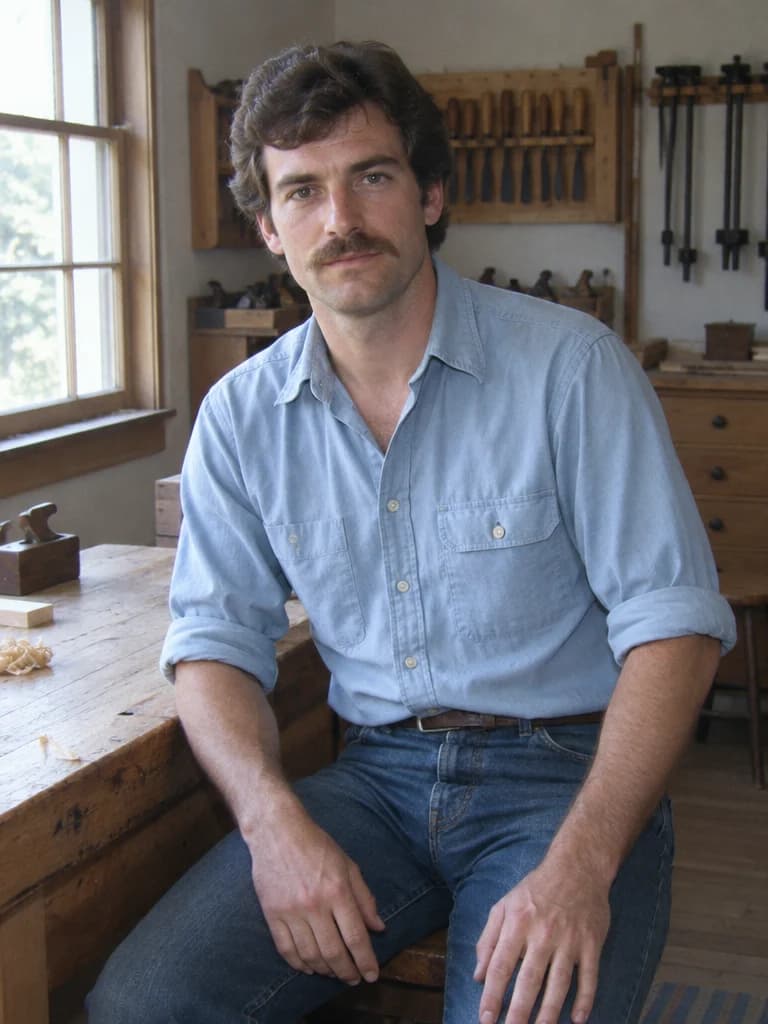
02 / Photo reference
An unposed pause beside a home woodworking bench in side-window daylight.
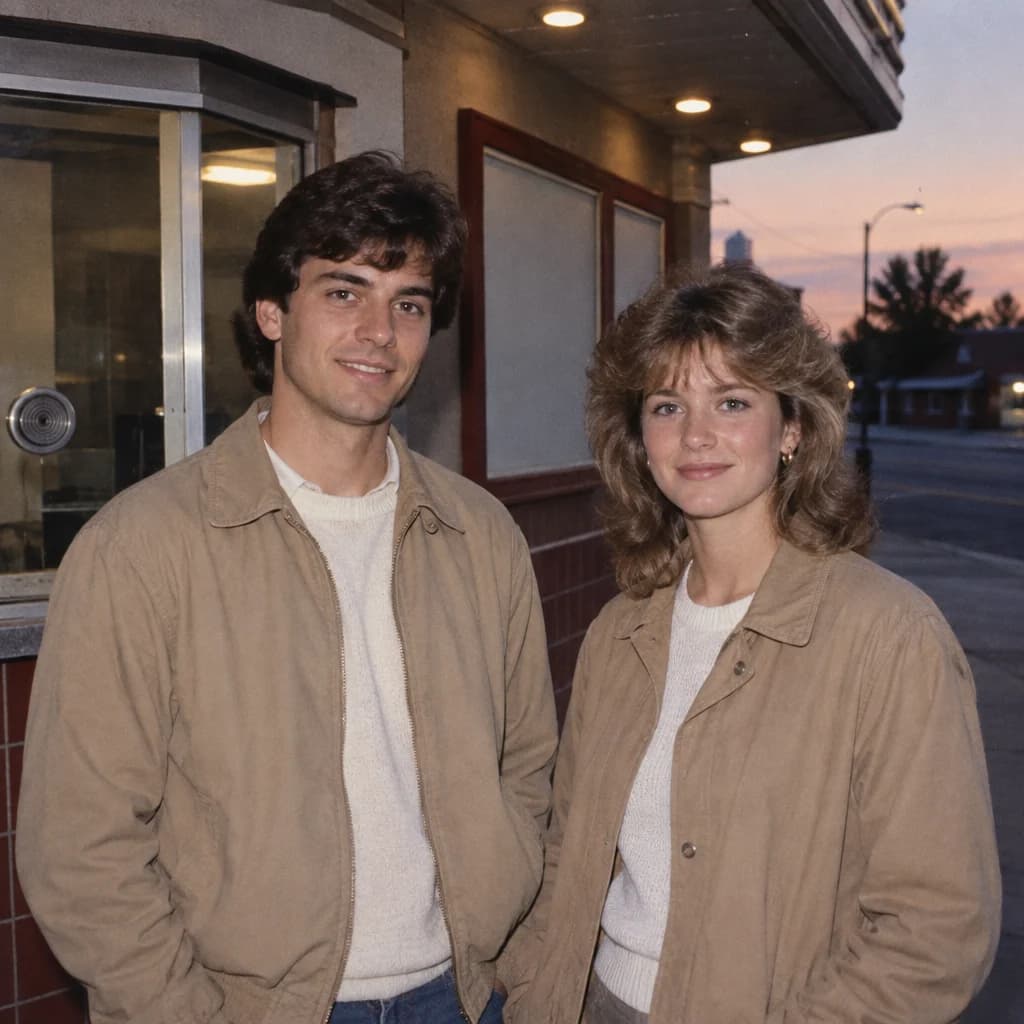
03 / Photo reference
Two people outside a small-town cinema, with a little flash at dusk.
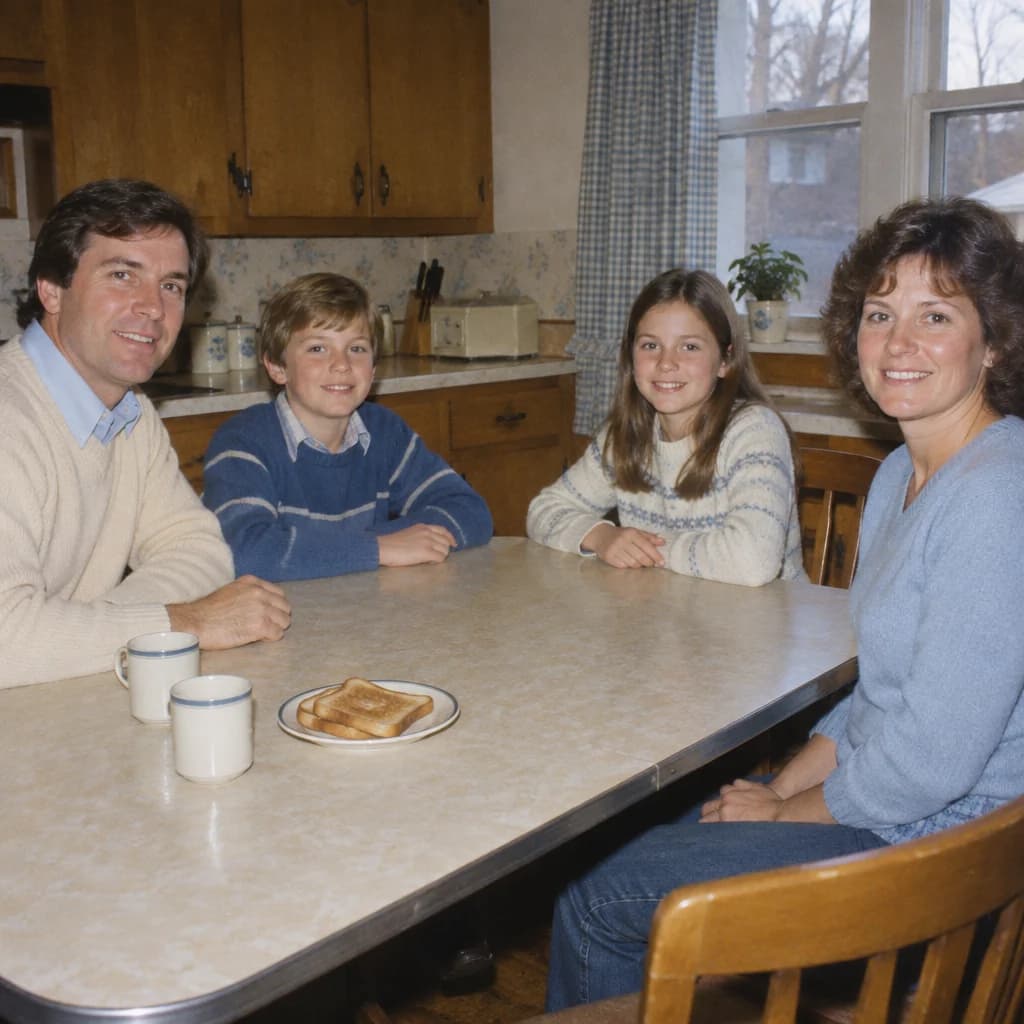
04 / Photo reference
A wider kitchen snapshot around an ordinary breakfast table, without birthday props.
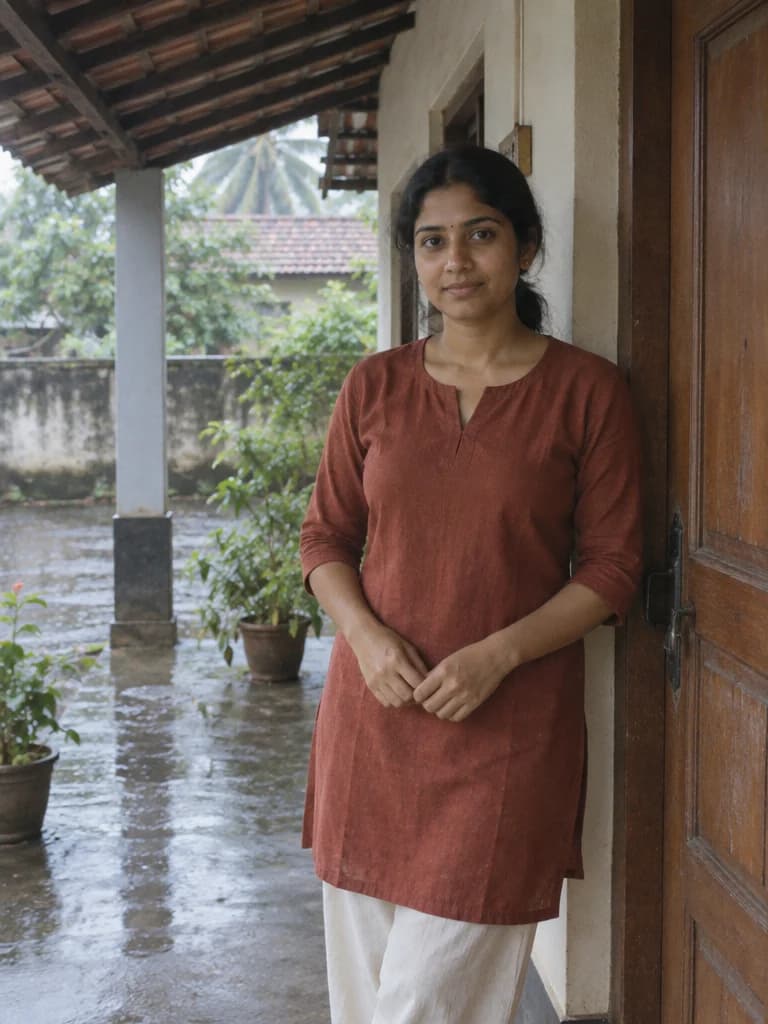
05 / Photo reference
Soft overcast light under a sheltered veranda, with a rain-washed courtyard beyond.
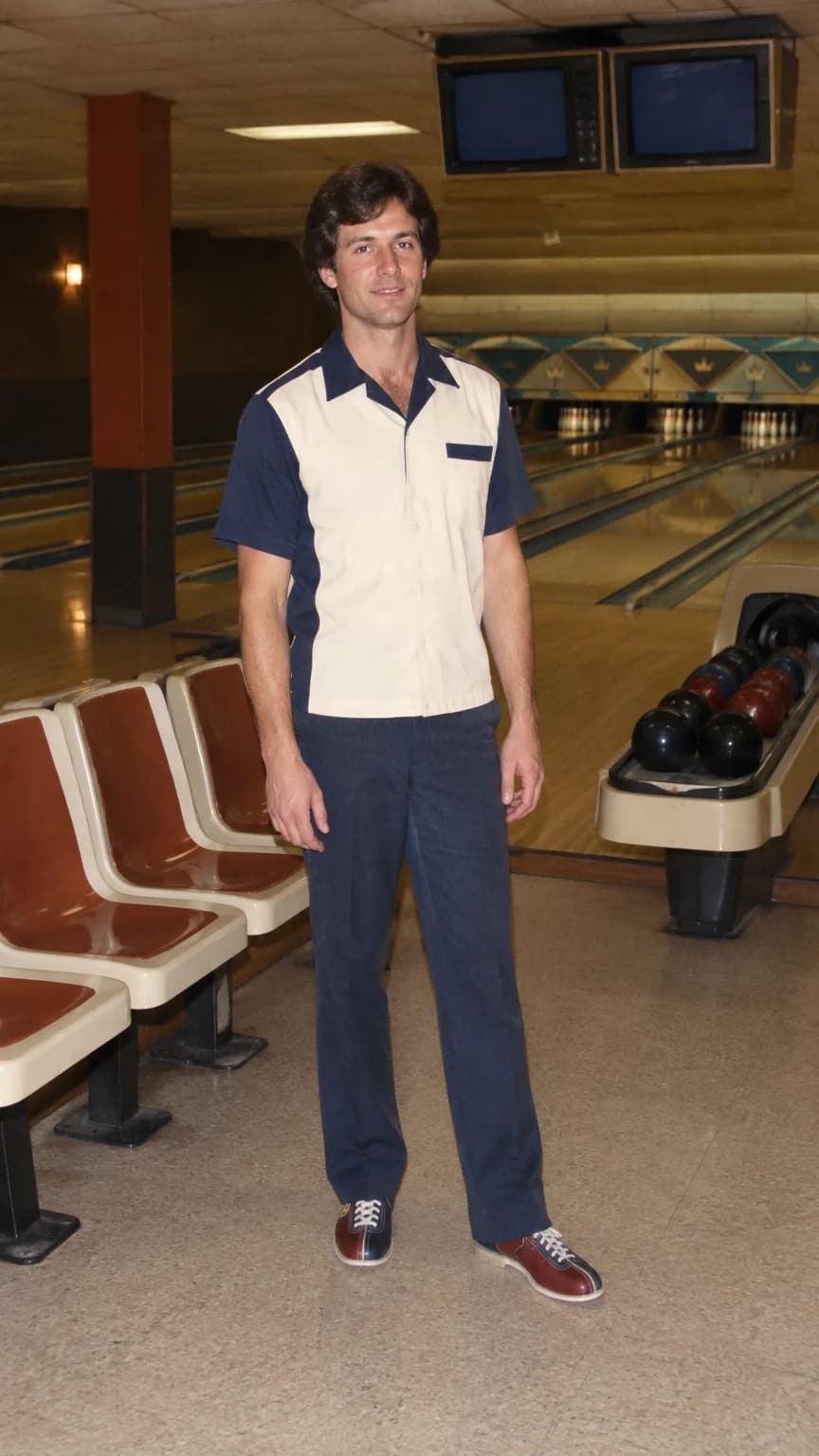
06 / Photo reference
A full-length bowling-alley break with a simple stance and room around the shoes.
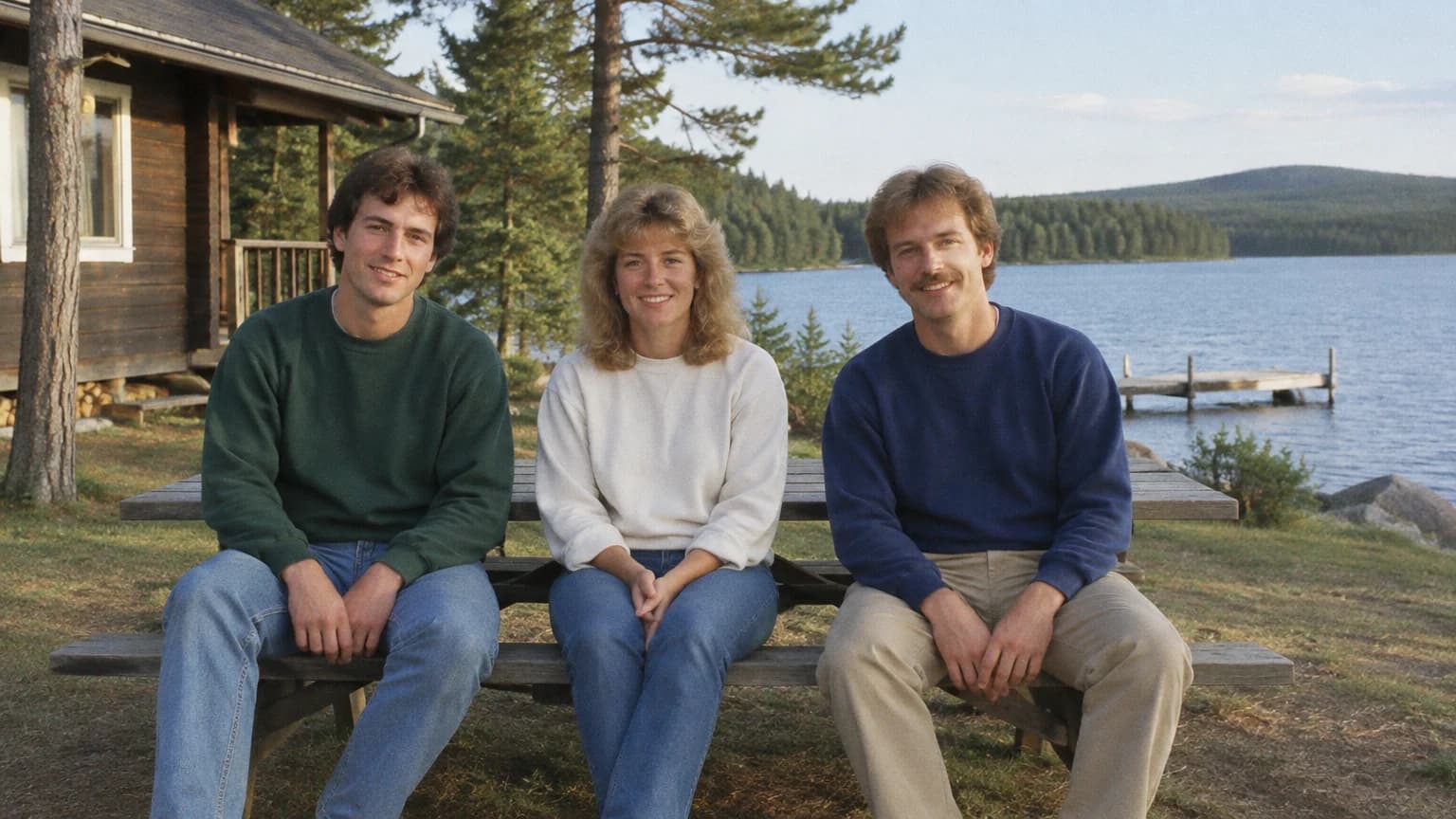
07 / Photo reference
Three friends and a little lakeside scenery in a relaxed travel-album composition.
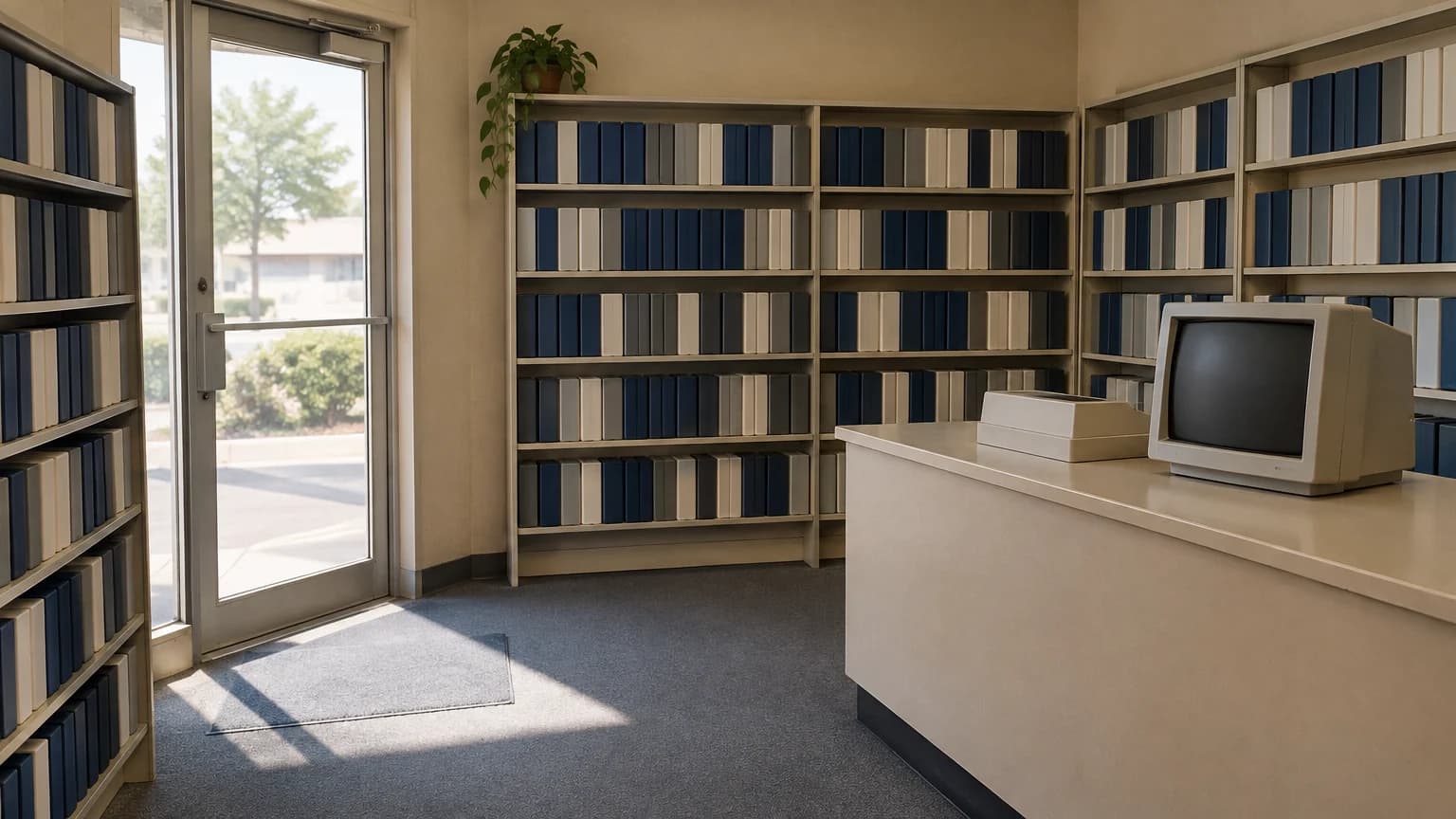
08 / Text only
An empty video-rental shop before opening, with morning light through the glass door.
AI-generated style example. Examples use fictional subjects. Reference-photo results will vary. Made for this page with GPT Image 2.5; not archival photographs or verified before-and-after edits.
01 / CHOOSE
Choose a waist-up photo for the record counter or a seated reference for the workshop. Match the direction of window light where possible, and keep the face clear. The sheltered veranda uses softer overcast light without turning everyday dress into a wedding costume.
The kitchen breakfast and cinema examples use restrained flash with recognizable surroundings. Choose a reference with the arrangement you want to retain; replacing a background is a more focused request than rebuilding an entire group pose.
Use the lakeside brief for a clear group photo and keep each person separate. For bowling, start with a full-body reference and leave room around the shoes. The empty video-store scene needs no identity instructions: its key constraints are blank cases, an unlit CRT and no people.
02 / CUSTOMIZE
An 80s look prompt works best when the parts agree. Keep the identity request stable while you experiment with clothes, surroundings and light.
Restyle my reference photo as a restrained 1985 studio portrait. Keep the person's facial structure, skin tone, apparent age and expression recognizable. Retain the original head angle. Use a plain cotton shirt, a softly painted gray backdrop and broad, soft studio light. Add a slight warm color shift and very fine film grain, without hiding skin detail. Change the clothing and background, not the person. Exclude modern accessories, logos, captions and decorative borders.
03 / REFINE
Try one revision at a time. These are practical suggestions, not experimentally verified fixes or guarantees.
| What went wrong | Check first | A revision to copy |
|---|---|---|
| The face looks different | Check for a filtered or obscured source face. Reduce changes to hair and pose before adding more styling. | Keep the reference facial geometry, age and expression. Change only clothing and background; remove beauty retouching. |
| Faces blend or the count is wrong | Count the reference people and describe their left-to-right positions. Avoid references where one face is hidden. | Match the reference group size exactly. Keep each person's face distinct and preserve their left-to-right order. |
| Grain hides the detail | Grain and blur are separate effects. Ask for less of both rather than adding sharper skin to a heavily distressed image. | Reduce film grain to a fine, barely visible texture. Remove heavy blur and scratches; keep eyes and skin detail readable. |
| The scene feels too modern | Look at phones, signs, cars and clothing cuts before adjusting the colors. | Replace modern devices and contemporary clothing details with modest 1980s equivalents. Remove readable logos and digital screens. |
| The styling is exaggerated | Choose one strong period cue, not oversized hair, neon and costume accessories all at once. | Use restrained everyday 1980s styling: natural hair volume, simple clothing and neutral light. Remove costume-like accessories and neon glow. |
04 / USE
These are plain-English briefs, not commands tied to a particular app. Copy the full text into your chosen image tool and check its current reference-photo support and usage limits. This page and its Use this prompt buttons belong to RSW AI Studio, not ChatGPT; they do not open ChatGPT or imply official endorsement.
BEFORE YOU START
Match the framing to the example: a waist-up portrait for the record counter, a full-body photo for bowling, and a group photo with everyone visible for a family scene. Use photographs you have permission to edit. A sharp, lightly processed source gives the model clearer features to work with.
Yes, for an invented scene or fictional person. The empty video-store example is written for text-only use. The other briefs refer to an uploaded photo because they are intended to restyle someone recognizable; without that reference, the model cannot know what you look like.
Choose clothing, hair and accessories that fit the person rather than adding a gender label and leaving conflicting instructions. Keep the identity constraints. For example, replace the cardigan with a plain work shirt if that better matches the look you want.
Image generation is not a fixed filter. The model, reference, settings and generation itself affect the result. Save a useful brief, change one instruction at a time and compare outputs; there is no guarantee of identical faces or repeatable results.
Do not just change the word couple. Specify the exact group size, seating order, visible faces and distinct identities. Use the family brief as a starting point and retain the apparent ages of everyone in the reference.
A filter mainly changes existing pixels through color and texture. A generative restyle can also change clothes, rooms and lighting, which is useful but may introduce unwanted changes. That is why these briefs separate what should change from what should stay.
No. These eight style examples were created for this page using text-only GPT Image 2.5 prompts and fictional subjects. They are not archival photographs or before-and-after edits. The reference-photo versions have not been tested for identity preservation; results will vary.
Reading, editing and copying these texts does not consume generation credits. Use this prompt prepares the text in RSW AI Studio; it does not submit a task. Check the workspace's current credit quote, account requirements and settings before you choose Generate.