Veo 3.1 Fast
by GoogleSpeed-first mode for drafts, motion tests, and rapid batches while keeping the Veo 3.1 look.
Professional AI video generation with native audio, 4K upscaling, and frame-perfect control.Transform your ideas into stunning vertical or widescreen videos in seconds.
Workspace
Ingredients to Video runs on Veo 3.1 Fast. Combine up to three reference images to steer character identity, props or wardrobe, and overall scene mood. Mix a hero character, a key object or outfit, and a style or environment cue to keep lighting, color, and design consistent from shot to shot.
Set the opening and closing frames with Veo3.1 so each shot lands with purpose—clear pacing, controlled motion, and seamless transitions that feel finished.

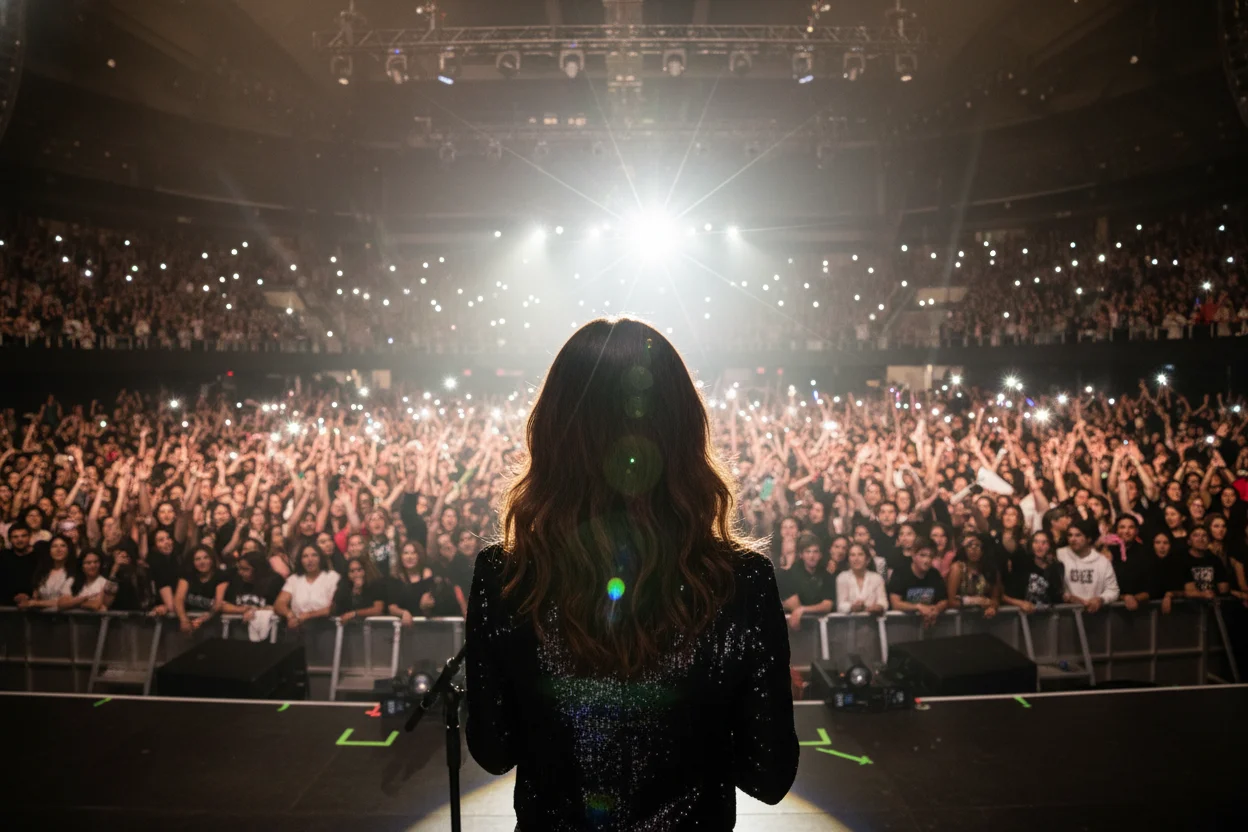
Veo 3.1 builds dialogue, effects, and ambience with the visuals so timing stays precise. Sound lands in sync with motion without a separate audio pass.
Synchronized with video playback
Experiment with diverse subjects, genres, and visual styles with fewer unnecessary blocks. Veo3.1 balances safety with creative latitude, staying more permissive for copyrighted styles and public-figure likeness when permitted.
| Feature | VEO3.1 FAST | VEO 3.1 QUALITY | SORA 2 |
|---|---|---|---|
| Max Resolution | 1080pwith upscaling | 4K | 1080p |
| Native Audio | Synchronized | Synchronized | Synchronized |
| Vertical Format | Native 9:16 | Native 9:16 | Native 9:16 |
| Max Duration | 8s | 8s | 25s |
| Reference Mode | Supported | Not supported | Not supported |
| Frame Control | First/last frame | First/last frame | Limited |
| Cost (per video) | 40 Credits | 300 Credits | 5 Credits |
| Generation Speed | 1-1.5 minutes | 2-3 minutes | 2-5 minutes |
*Data based on publicly available specifications as of January 2026. Prices and features subject to change.
Two modes, one engine: Fast for quick drafts and iteration, Quality for delivery-ready visuals and steadier consistency. Switch as your project moves from idea to final.
Speed-first mode for drafts, motion tests, and rapid batches while keeping the Veo 3.1 look.
Final-grade mode with richer detail, cleaner lighting, and stronger subject continuity.
Common questions about using Veo3.1 for AI video generation on our platform.
Google Veo 3.1 is DeepMind's AI video model that turns text or reference images into short cinematic clips. It supports native audio, vertical or widescreen formats, frame control, and upscaling for high-quality output, typically up to 8 seconds per clip.
RSW Studio gives you Veo 3.1 at a much lower cost per video than Google's platforms, with starter credits and affordable bundles. You still get a unified workspace with Sora 2 and other models, Fast/Quality switching, and a single credit balance for everything.
Most platforms require paid credits to generate Veo. On RSW Studio, new users receive bonus credits that are usually enough for one Veo 3.1 Fast try. If you run out of credits, contact support and we'll help you out.
Veo 3.1 Fast supports more flexible inputs, including Ingredients mode with up to three reference images, and is optimized for speed and cost. Veo 3.1 Quality focuses on maximum visual fidelity and is best for professional, film-grade productions.
Veo 3.1 typically supports 4s or 6s clips, with an upper limit of 8 seconds; longer clips usually cost more. On RSW Studio, the default clip length is 8 seconds and we currently charge the same credits as a 4-second clip.
Veo3.1 natively supports 9:16 vertical format, perfect for TikTok, Instagram Reels, and YouTube Shorts. Simply select "Portrait" or "9:16" in the aspect ratio settings before generating. The AI optimizes framing and composition specifically for vertical viewing.
Yes, Veo3.1 features advanced audio integration that generates synchronized dialogue, sound effects, and ambient audio alongside the video. Unlike other AI video generators that require separate audio editing, Veo3.1 creates perfectly timed audio as an integral part of the generation process.
Veo3.1 Fast uses lower credits and is ideal for rapid prototyping, draft iterations, and social content where speed matters. Veo3.1 Quality uses higher credits but delivers maximum visual fidelity, cleaner lighting, and stronger subject continuity for final productions. Many creators start with Fast mode to test concepts, then switch to Quality for the final render.

 Seedance 2.0
 Sora 2
 Veo 3.1
 Grok Imagine Video 1.5
 Kling
Kling
 Nano Banana
 GPT Image 2.0Grok Image
 ElevenLabs TTS
 Suno
Suno$59.88 billed annually
417 credits /month
Unlimited Generation Privileges
Free to generate, lower priority
$468 billed annually
2,500 credits /month
Unlimited Generation Privileges
Free to generate, high priority
$696 billed annually
3,750 credits /month
Unlimited Generation Privileges
Free to generate, priority capacity
$2388 billed annually
5,000 credits /month
Unlimited Generation Privileges
365-day priority-capacity access
Add one-time credit packs anytime. Existing subscription benefits remain unchanged.
Basic
$29.90
ONE-TIME • No recurring charges
Standard
$69.90
ONE-TIME • No recurring charges
Ultra
$199.90
ONE-TIME • No recurring charges