Qwen Image 3.0AI Image Generator

Create images with Qwen Image 3.0 Standard or Pro, flexible sizes, references and prompt enhancement.

Workspace

5 Credits
Model

No file selected

JPG, PNG, WebP. Up to 3 images, max 10MB each.

No reference image uploaded yet.

Inspirations

Editorial Portrait

Editorial Portrait

A cinematic portrait in soft natural light, 85mm lens look, subtle film grain, editorial style.

Product Poster

Product Poster

A premium product poster with dramatic spotlight, clean dark gradient background, high contrast.

History

No history yet. Generate your first task.

Qwen Image 3.0, from words to visual ideas

Explore posters, illustrations and product scenes made with Qwen in our workspace. Each example includes its actual prompt, ready to adapt.

Choose a starting point. Recreate loads its prompt without generating.

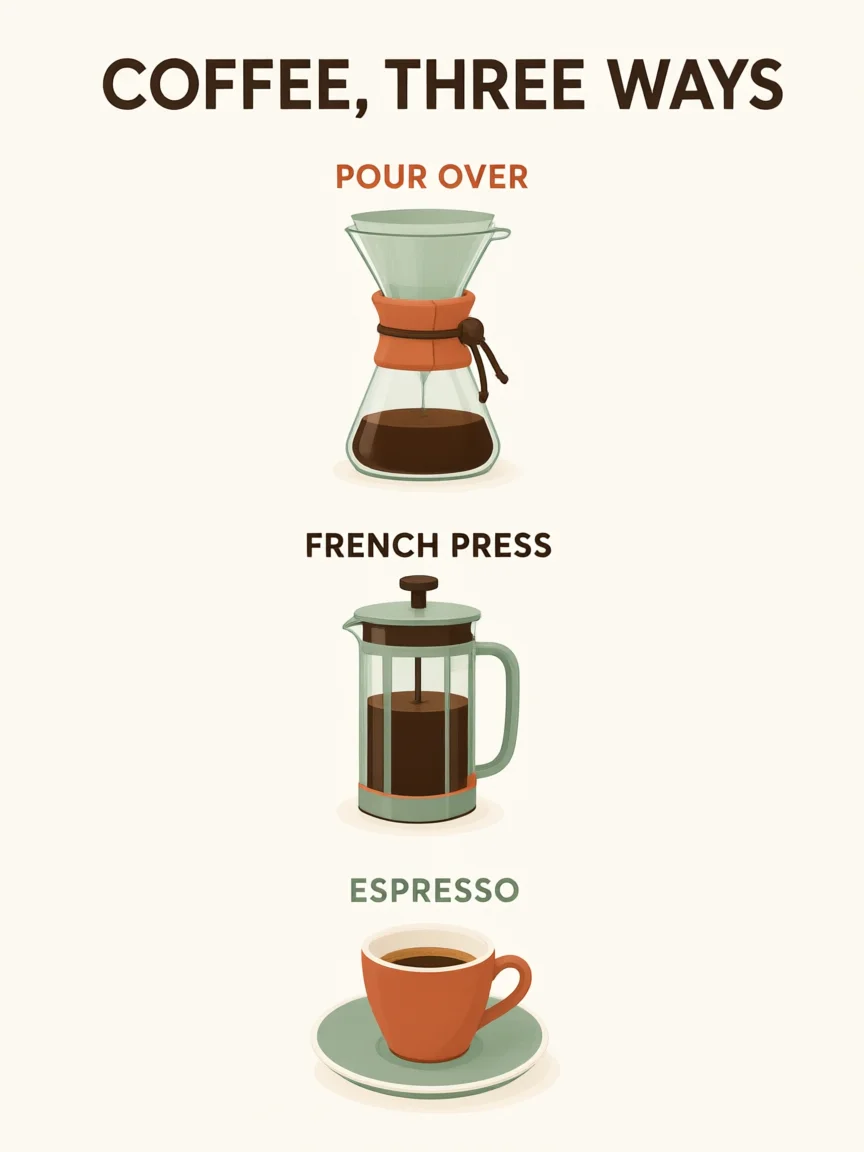
  • Coffee infographic with three labeled brewing methods

    Coffee, explained

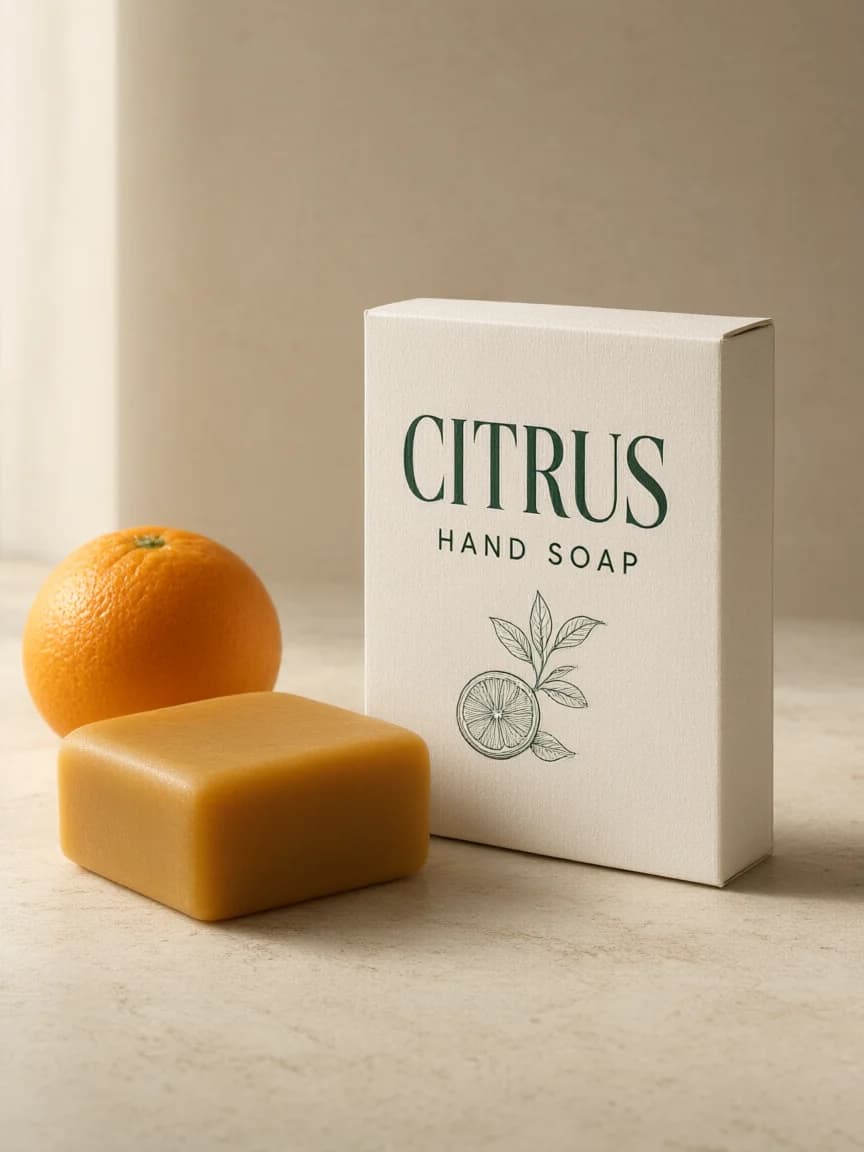
  • Citrus hand soap packaging on travertine with an orange

    A fresh product identity

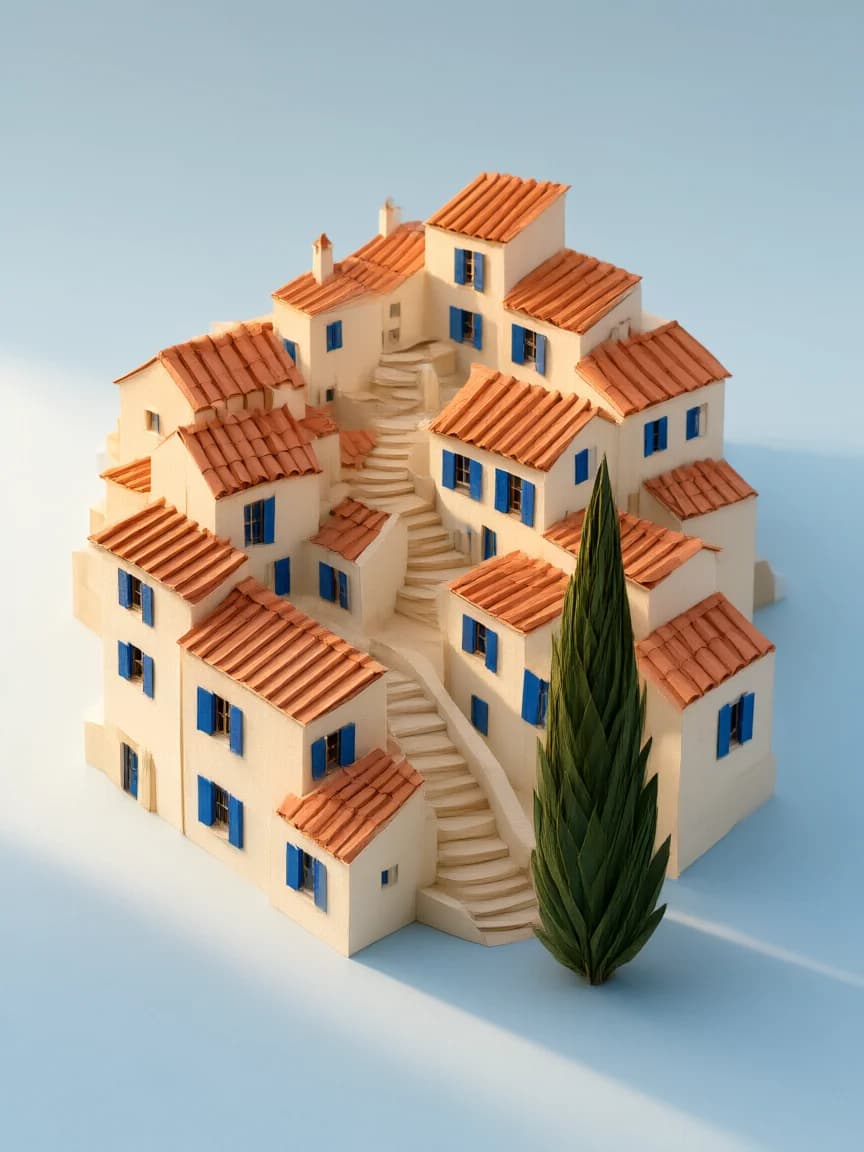
  • Handmade paper town with terracotta roofs and blue shutters

    A city made of paper

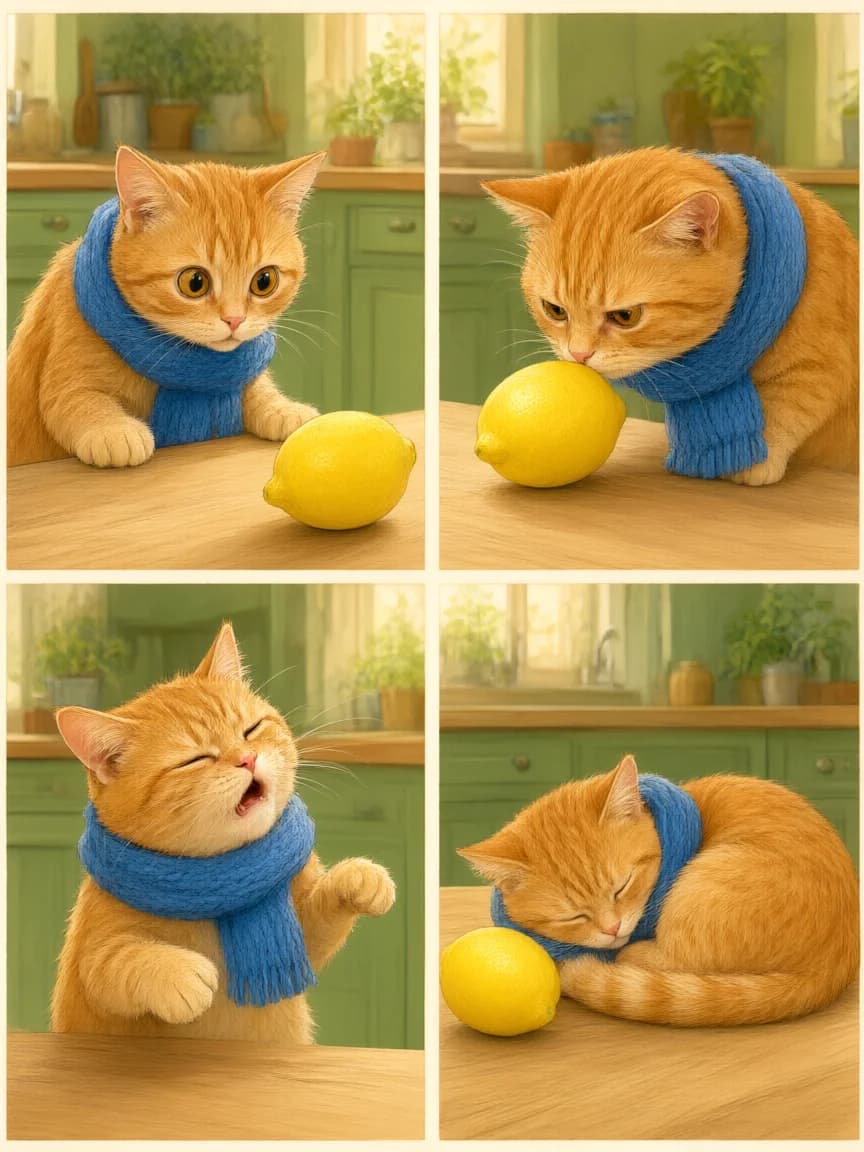
  • Four scenes of a ginger cat with a blue scarf discovering a lemon

    One character, four moments

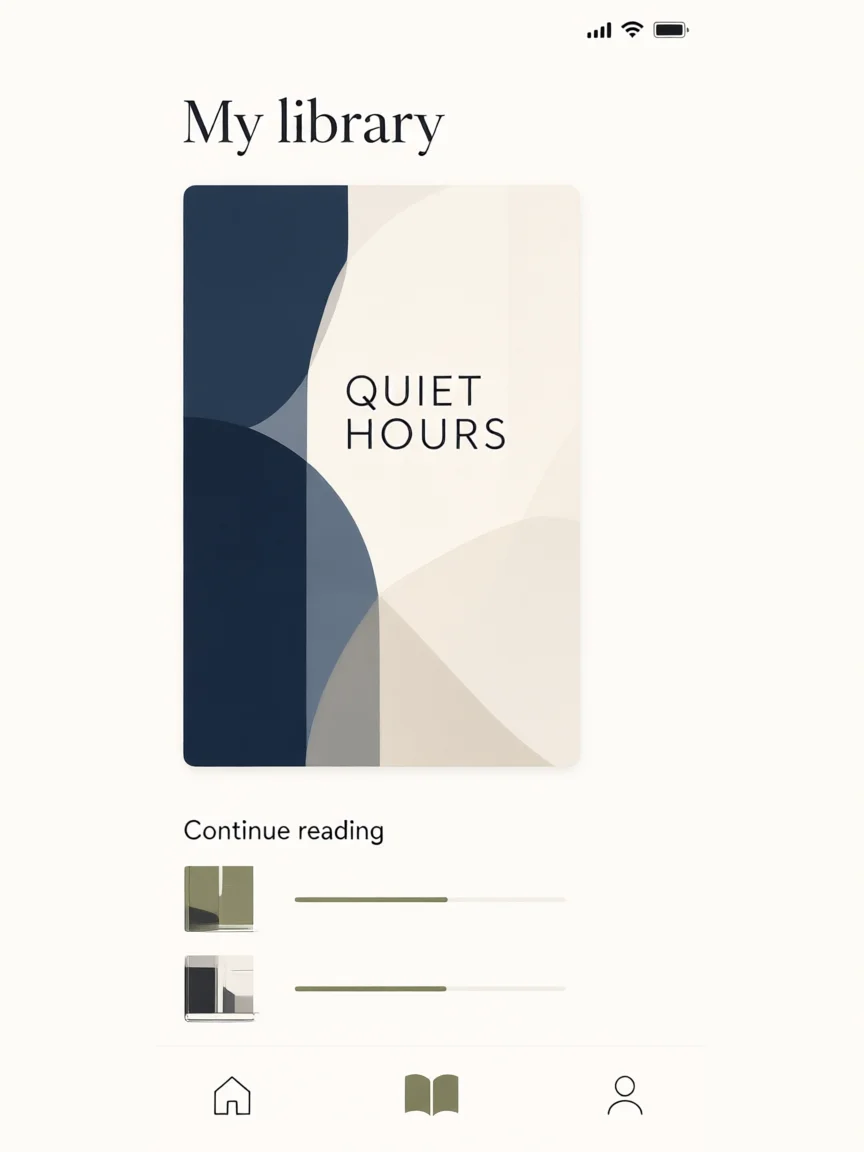
  • Reading app concept with a Quiet Hours cover and two progress bars

    A reading app concept

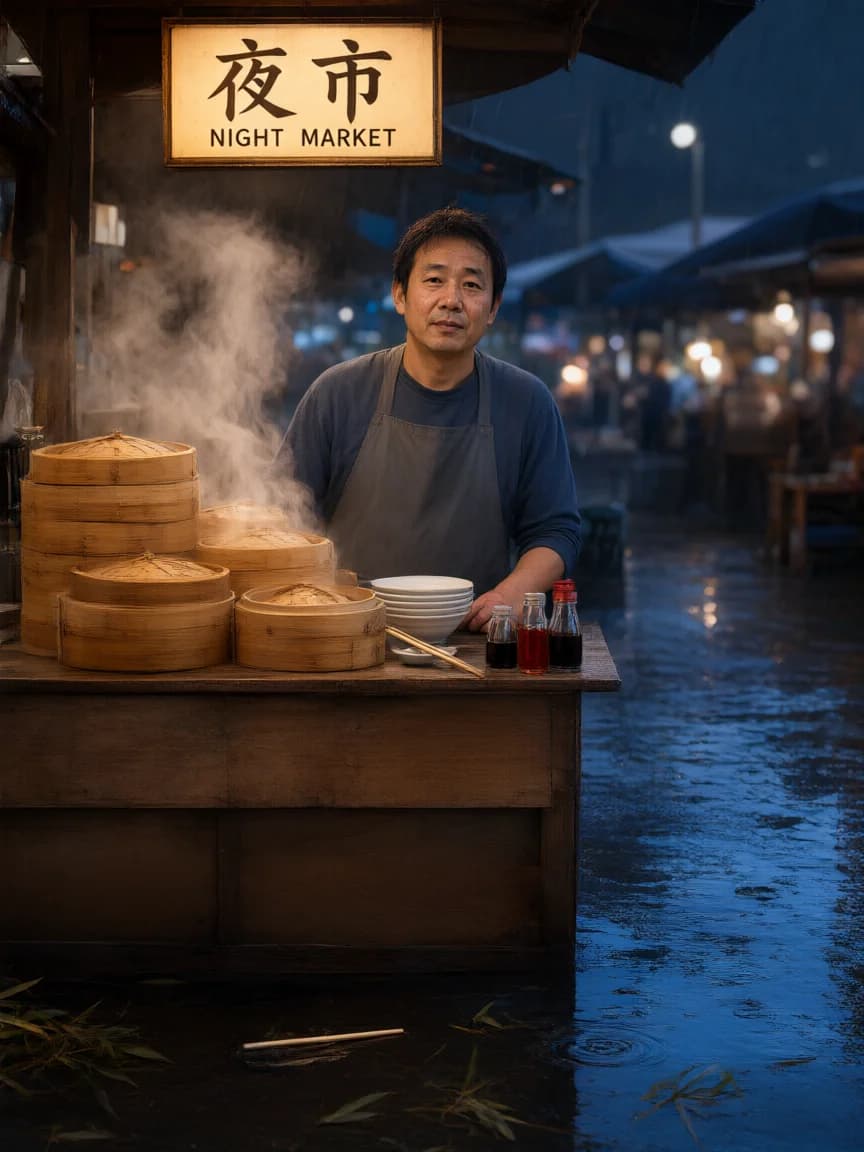
  • Rainy dumpling stall with a bilingual Night Market sign

    Bilingual night market

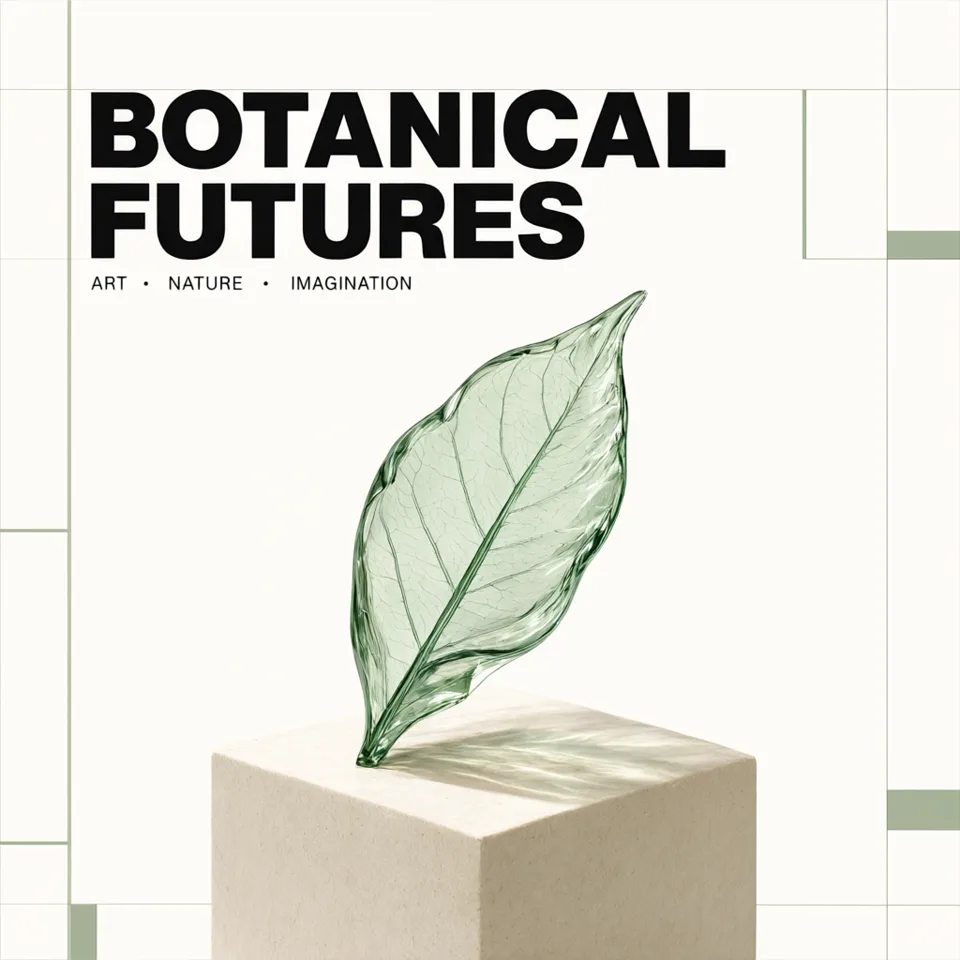
  • Botanical Futures poster with a green glass leaf

    Typography with a focal point

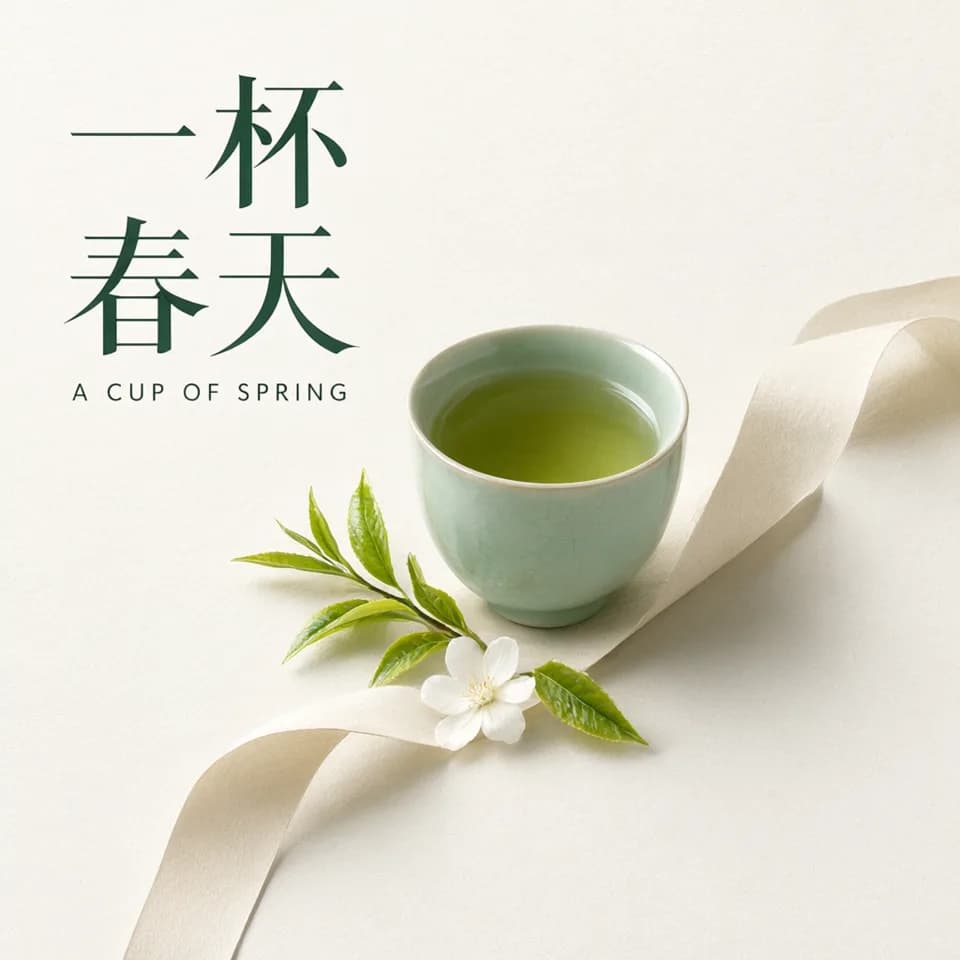
  • Chinese and English tea poster with a celadon cup

    Two languages, one visual identity

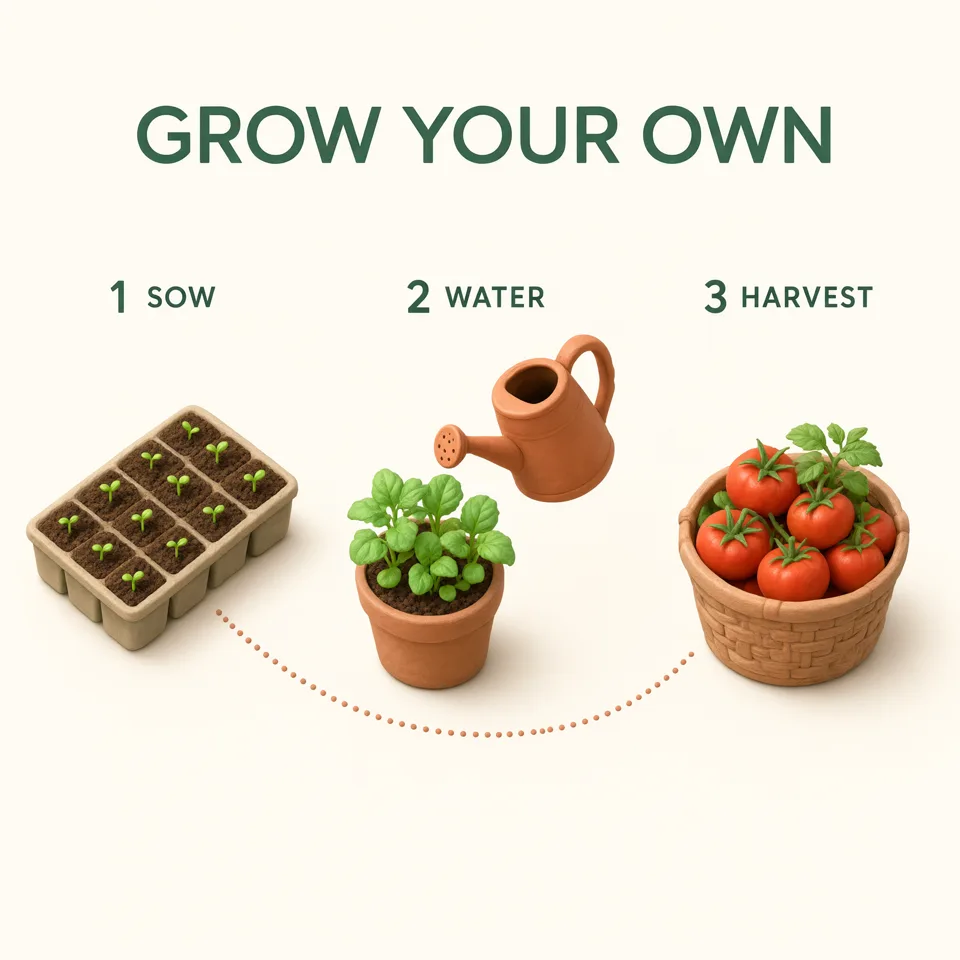
  • Three-step gardening infographic with seedlings, watering can and tomatoes

    An explanation you can see

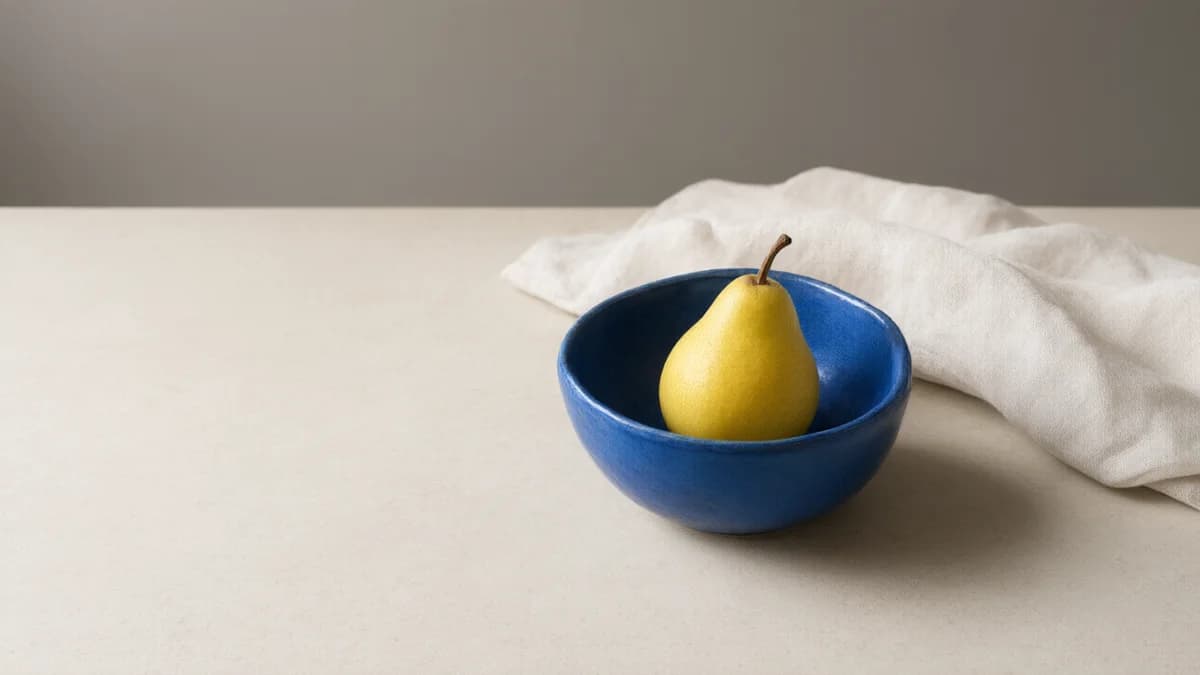
  • Cobalt blue bowl with a yellow pear on limestone, with open space on the left

    Leave room for the headline you will add later

Qwen Image 3.0 at a glance

Plan your brief around these workspace controls. Always inspect the result.

Qwen features, supported controls and practical uses
FeatureIn this workspacePut it to work
Text & typographyText-to-image with Standard or ProQuote short headlines; specify placement and proofread.
Image editingUp to 3 reference imagesDescribe what changes and what must stay.
Resolution & framing1K / 2K; custom edges 512–2048 pxMatch the final layout. Custom size overrides the ratio.
Prompt ExtensionOff, Direct or AgentDirect is the default; Agent is text-only.
Variations1–6 images per requestStart with one; check the quote before increasing the count.

Qwen Image 3.0 examples and prompts

Chinese and English tea poster with a celadon cup

Two languages, one visual identity

Chinese display lettering and a quieter English subtitle share the same page. A restrained palette keeps the composition coherent.

Prompt

Create a contemporary bilingual tea house poster with beautifully readable lettering. Exact headline in large Chinese characters: "一杯春天". Exact English subtitle: "A CUP OF SPRING". In the center, a pale celadon ceramic cup of green tea sits on a flowing ribbon of folded paper, delicate young tea leaves and a single white blossom nearby. Warm off-white paper background, forest-green typography, airy asymmetric editorial layout, tactile paper grain, soft studio shadows, refined minimal visual identity for a fictional tea studio, no extra text, no logo, no watermark.

Cobalt blue bowl with a yellow pear on limestone, with open space on the left

Leave room for the headline you will add later

A landscape still life can be useful without any generated lettering. Describe the occupied and empty parts of the frame separately so the composition has a job to do.

Prompt

Create a landscape editorial still-life photograph. On the right half of a pale limestone tabletop, place one small cobalt-blue ceramic bowl holding a single yellow pear. A loosely folded ivory linen napkin sits behind the bowl. Show a believable handmade glaze, a gently irregular rim and natural linen fibres. Photograph from table height at a slight downward angle with a normal-lens perspective. Keep the left forty percent of the frame empty: uninterrupted tabletop and a softly lit warm-grey wall, reserved for a headline that will be added later. Soft daylight enters from the upper left, casting one coherent shadow to the right. Keep the bowl, pear and napkin fully inside the frame. Restrained editorial styling, no dramatic spotlight, no border, no people, no text, no logo and no additional objects.

Qwen Image 3.0 vs Pro

Compare both versions with the same brief before choosing Pro for your task.

Standard and Pro workflow comparison, not a benchmark
CompareStandardPro
Where to startTry scene, illustration and product briefs.Evaluate an alternative for demanding text or detail.
Available controls1K / 2K, references, custom sizesThe same controls and input limits
CreditsCheck the current workspace quote.Quote depends on resolution and image count.
How to decideKeep a baseline image and its prompt.Use the same prompt and settings; inspect the difference.

Editing? Say what stays.

Keep the silhouette and perspective recognizable. Upload your source image, describe the edit, then inspect the result.

For another reference-editing workflow, explore Seedream 5.0 Pro. For a different interpretation of a text brief, try GPT Image 2.5.

A useful edit brief has two parts

Change: the shade and base to matte terracotta.
Keep: the silhouette, stem angle, cable, framing and lighting.

Requires your lamp photo; not a verified before-and-after example.

Qwen Image 3.0 questions

What can I do with Qwen Image 3.0 here?

Create posters, illustrations, product scenes and layouts from text, or edit your own images. Choose Standard or Pro and adapt one of the example prompts above.

How do I switch from text-to-image to reference editing?

Upload one to three references and use Off or Direct for Prompt Extension. With no reference attached, the request is text-to-image. Loading an edit prompt does not upload a photo for you.

Why will Agent not work with my reference images?

Agent supports text-only requests here. Choose Direct or Off for editing. Our edit brief switches Agent to Direct when needed and keeps your uploaded references.

Does choosing 2K mean I can request a 4K image?

No. The supported presets are 1K and 2K. Custom dimensions accept 512–2048 pixels per edge and replace the aspect-ratio preset; they do not unlock 4K.

Can I rely on the lettering or facts inside a generated image?

Proofread every word and check factual claims. Neither Pro nor a detailed prompt guarantees accuracy. Keep copy short and finish publication-critical lettering in a design tool.

Will trying a prompt spend credits or replace my references?

No. Example buttons only prepare your input. Compatible settings stay unchanged; conflicting references are never deleted automatically. Generating uses credits, including eligible free credits.

Review your settings and plan options before generating.