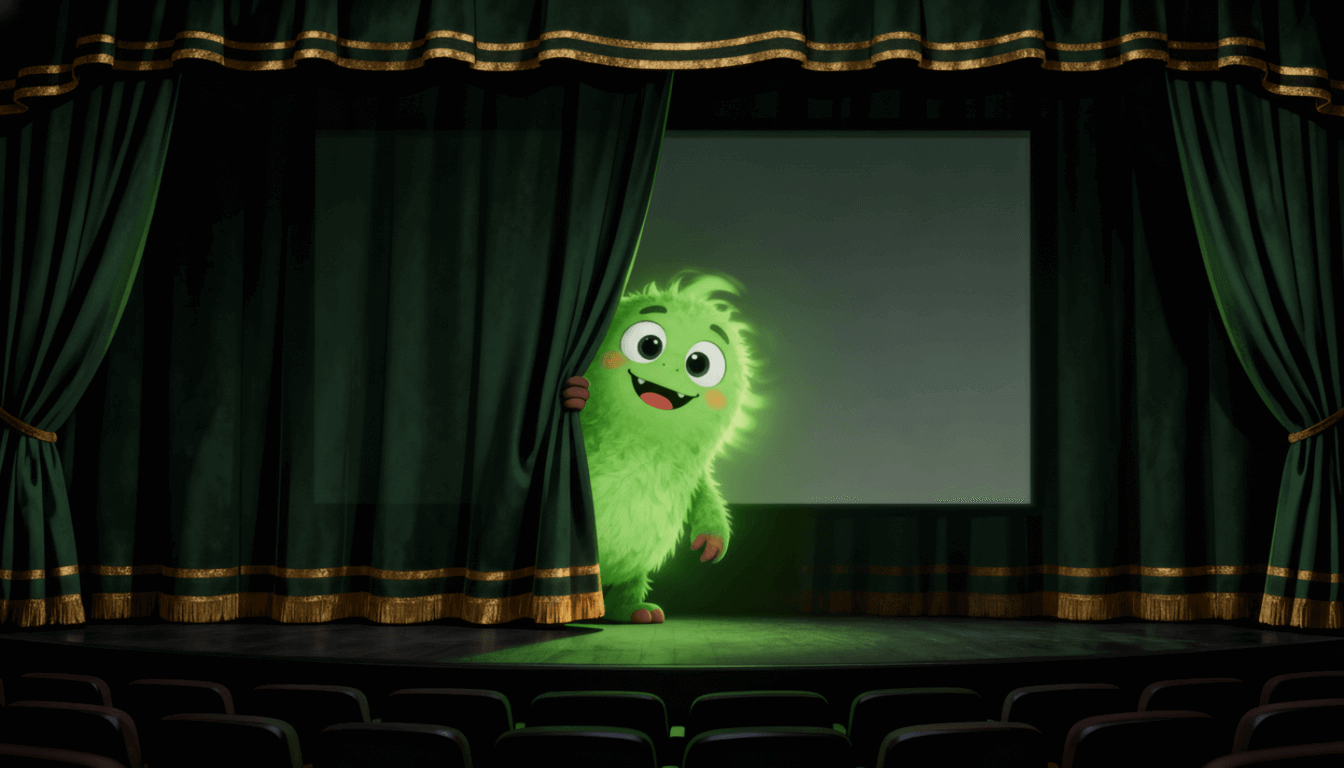
Nano Banana 2.1AI Image Generator & Editor

Create from text or refine reference images in 1K, 2K or 4K. Choose Ext or Official and review your credit quote before generating.

Workspace

4 Credits
Model

One image per request. 4 / 5 / 6 credits at 1K / 2K / 4K.

No file selected

JPG, PNG, WebP. Up to 5 images, max 10MB each.

No reference image uploaded yet.

Inspirations

Editorial Portrait

Editorial Portrait

A cinematic portrait in soft natural light, 85mm lens look, subtle film grain, editorial style.

Product Poster

Product Poster

A premium product poster with dramatic spotlight, clean dark gradient background, high contrast.

History

No history yet. Generate your first task.

A few ideas to make your own

These images were made with Nano Banana 2.1. Load a prompt to try the composition, then adapt its subject, colors or wording. Loading a prompt does not start a generation.

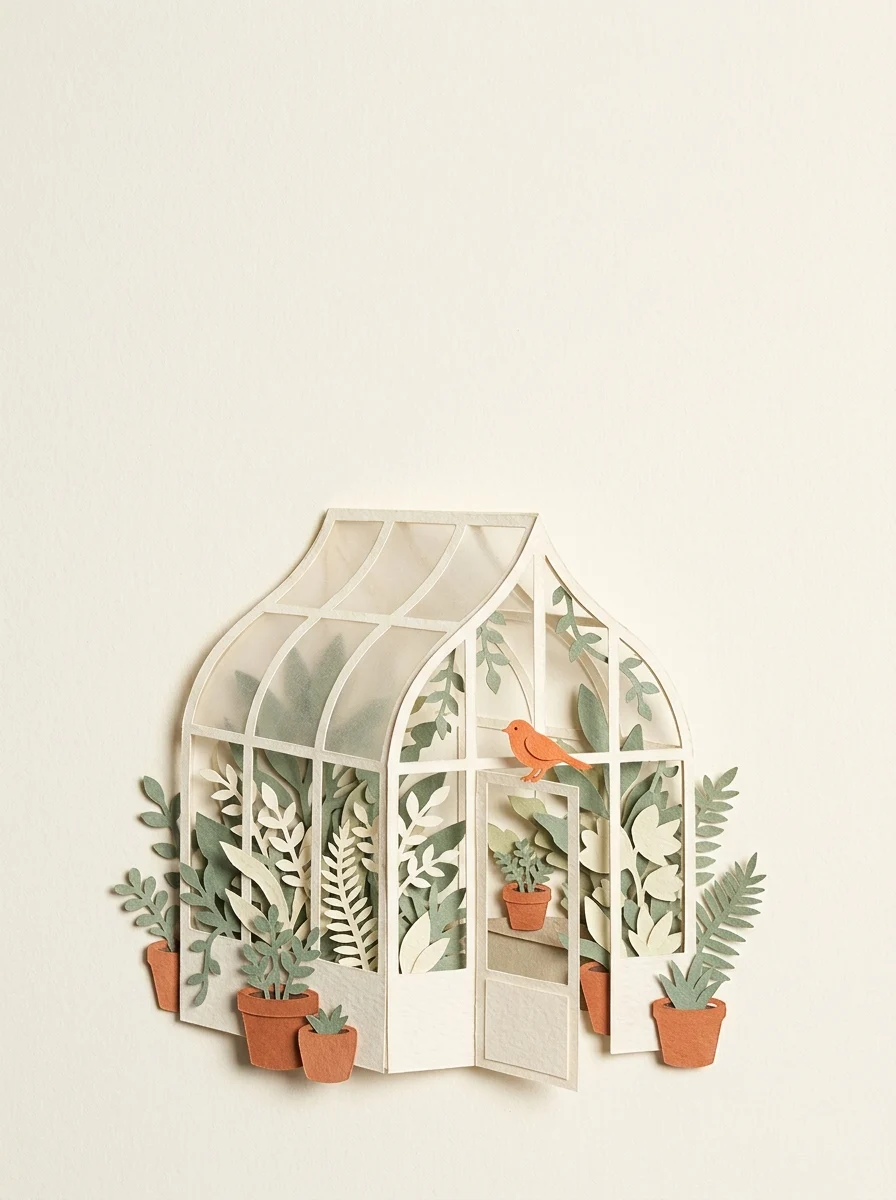
A garden made of paper

A garden made of paper

Create a vertical paper-cut illustration of a tiny botanical greenhouse. Layer ivory, sage-green and terracotta paper into delicate leaves, curved glass panels and three small ceramic pots. A single orange bird sits on the doorway. Use soft side lighting, visible paper edges and generous cream negative space above the greenhouse. Keep the arrangement calm and carefully balanced. No words, logos, borders or extra birds.
A poster with a clear hierarchy

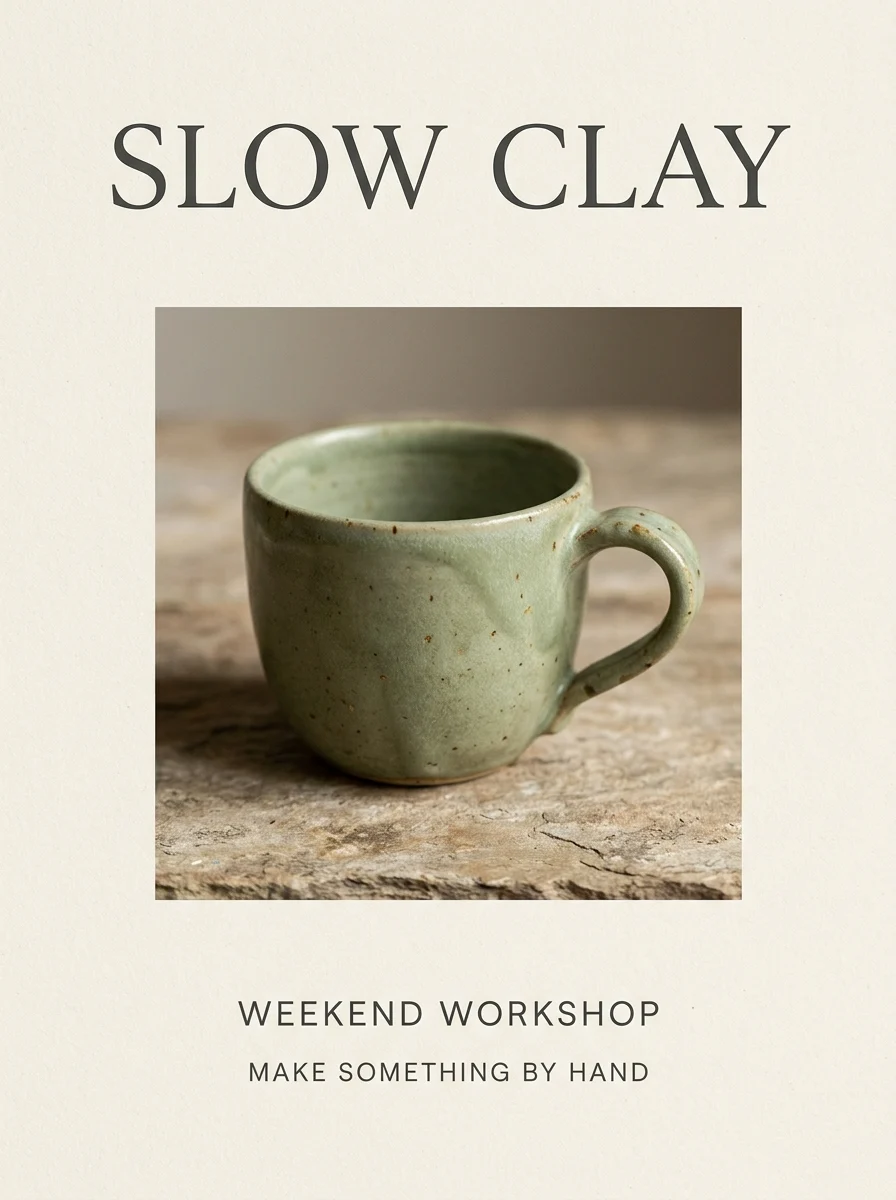
A poster with a clear hierarchy

Design a vertical editorial poster for a fictional weekend ceramics workshop. Use a cream background, charcoal typography and a close-up still life of a handmade sage-green ceramic cup. The only text must be: 'SLOW CLAY', 'WEEKEND WORKSHOP', and 'MAKE SOMETHING BY HAND'. Make SLOW CLAY large at the top, the cup central and the other two lines beneath it. Leave generous margins. No invented date, address, price, logos or extra words.

Change the light, keep the scene

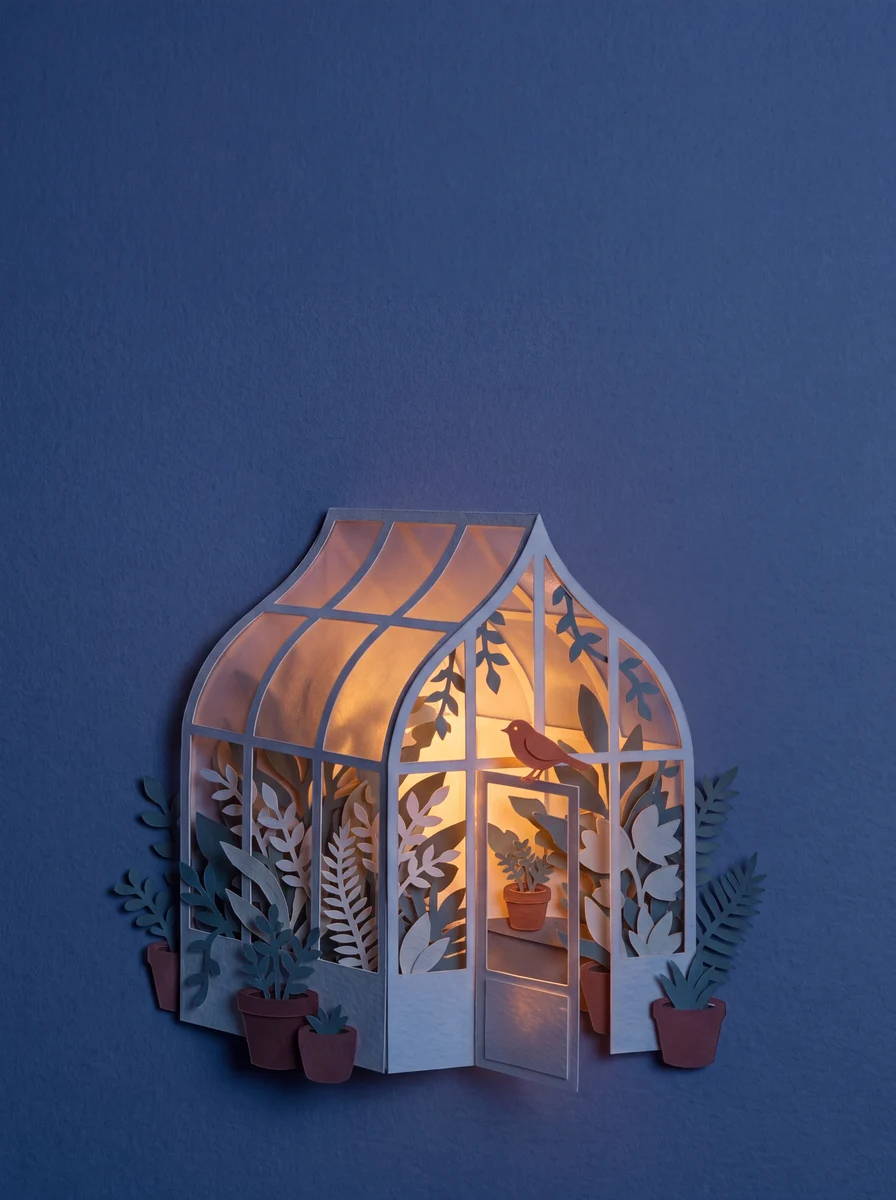
Change the light, keep the scene

Using the uploaded greenhouse illustration, change the scene from daytime to blue-hour evening. Keep the greenhouse structure, ceramic pots, orange bird, paper-cut texture and camera position. Add a warm light inside the greenhouse and a deep indigo sky. Preserve the original composition and do not add text or new objects.

Add your own reference image before generating.

From a brief to an image you can refine

Use Nano Banana 2.1 for visual concepts, illustrated scenes, product compositions and short-text posters. For an edit, name the change first, then list the details that should stay the same. Review the output before your next iteration.

Create or edit
Start from a text prompt, or add reference images and describe the changes.
Resolution
Choose 1K, 2K or 4K. Actual pixel dimensions depend on the aspect ratio.
References
Up to 5 JPG, PNG or WebP images, 10 MB each, in this workspace.
Aspect ratio
Auto plus 14 ratios. Ext’s 1:4, 4:1, 1:8 and 8:1 ratios are available only at 1K.
Outputs
Ext: one image. Official: one to four images per request.
Credits
Review the fixed quote before generating. Nano Banana 2.1 uses credits; Unlimited does not apply.

Ext or Official: choose the workflow

Nano Banana 2.1 channel capabilities and fixed credit prices
SettingExtOfficial
Images per request11–4
Single image, no references4 / 5 / 6 credits (1K / 2K / 4K)10 / 13 / 23 credits (1K / 2K / 4K)
Reference pricingIncluded+4 credits per reference
Ultra-wide ratios1K only1K, 2K and 4K

Official multi-image quotes calculate the whole request together, including its input allowance, and round once. The workspace shows the final quote for your settings. Ext requests stay on Ext without an automatic channel change.

How it fits the Banana family

Nano Banana 2.1 adds its own Ext and Official choices. The original Nano Banana and Nano Banana 2.0 workspace remains available, as does Nano Banana Pro. Each model has its own settings and credit rules.

For a new image, describe the subject, composition, material and lighting. Put exact poster text in quotes, keep it short and say where it should appear.

For an edit, separate “change” from “keep.” If a result misses the brief, use a focused follow-up prompt instead of adding several unrelated changes. Compare with GPT Image 2.5 when you need its different size or output controls.

Questions before you create

What is Nano Banana 2.1?

It is Google’s image generation and editing model based on Gemini 3.6 Flash. It is a separate model from Nano Banana 2.0, which uses Gemini 3.1 Flash Image. Here you can use either Ext or Official in the same workspace.

Which channel should I choose?

Ext is a simple choice for a single image with resolution-based pricing. Choose Official for up to four images in one request or for ultra-wide ratios at 2K and 4K. These controls describe available workflows, not a promise that one channel always produces a better image.

Can I edit an existing image?

Yes. Upload a reference and describe what to change and what to preserve. Auto follows the reference ratio. Check faces, product details, lettering and composition in the result before using it; precise preservation is not guaranteed.

Is it free to use?

Generation uses your account credits. Any available free credits follow the account’s eligibility and expiry rules. The displayed quote applies to your chosen settings; this model is excluded from Unlimited.

How do I get my result?

Completed images appear in History and My Creation. Download the result there, or use Recreate to restore the original model, channel, prompt, settings and references. Recreate loads the workspace without generating or spending credits.

What should I check before publishing?

Read every word, inspect small details and check that the image matches the brief. Small text, long paragraphs, spatial instructions and character consistency can still be imperfect. Use images and references you have permission to use.

See account plans and credit options before choosing your next workflow.