Nano BananaAI Image Generator

Turn a written idea or reference image into a new visual with Nano Banana in one focused workspace.

Workspace

50 Credits
Model

Resolution-based pricing applies to GPT Image 2.0, Nano Banana Pro, and Nano Banana 2.0.

No file selected

JPG, PNG, WebP. Up to 16 images, max 10MB each.

No reference image uploaded yet.

Try 365 DAYS Unlimited Seedance 2

Inspirations

Editorial Portrait

Editorial Portrait

A cinematic portrait in soft natural light, 85mm lens look, subtle film grain, editorial style.

Product Poster

Product Poster

A premium product poster with dramatic spotlight, clean dark gradient background, high contrast.

History

No history yet. Generate your first task.

Nano Banana and Nano Banana 2, one idea at a time

Explore materials, interiors and playful concepts. Choose an example to load its prompt and model, then adapt the scene to your own brief.

Looking for the newer version? Try Nano Banana 2.1 with Ext and Official channels.

Choose a starting point. Make it yours in the workspace above.

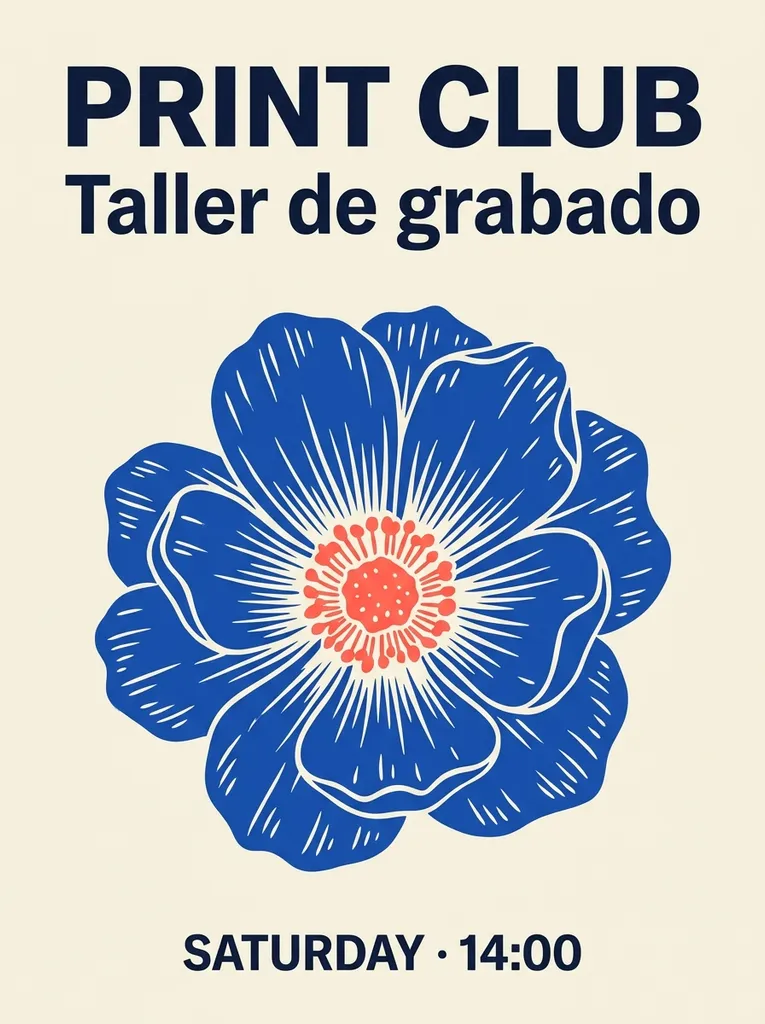
  • Portrait PRINT CLUB poster with bilingual event text and a blue woodcut flower

    A bilingual print workshop

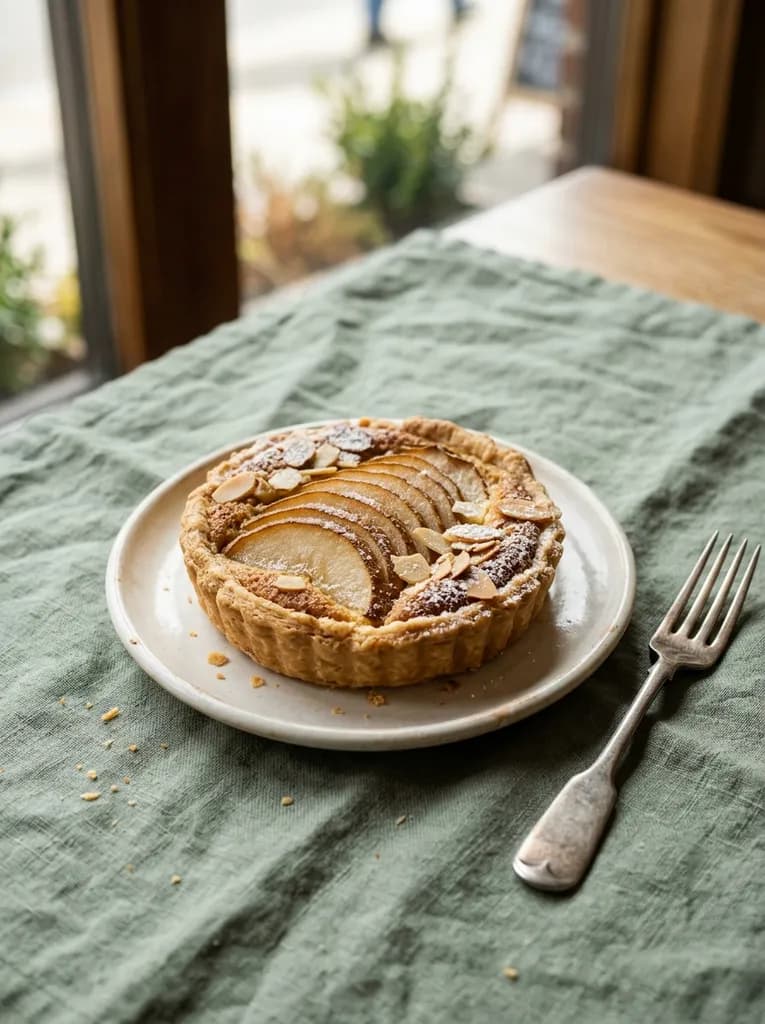
  • Pear and almond tart on sage linen in natural window light

    Morning at the bakery

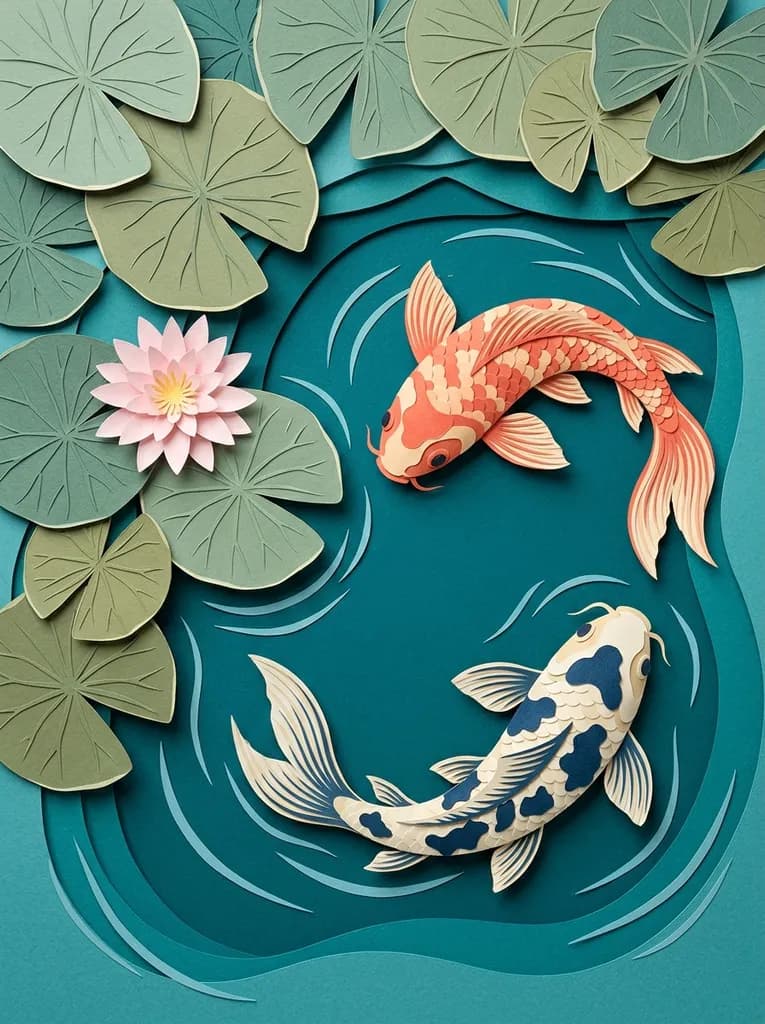
  • Two layered paper koi swimming among sage lily pads in a teal pond

    A pond in cut paper

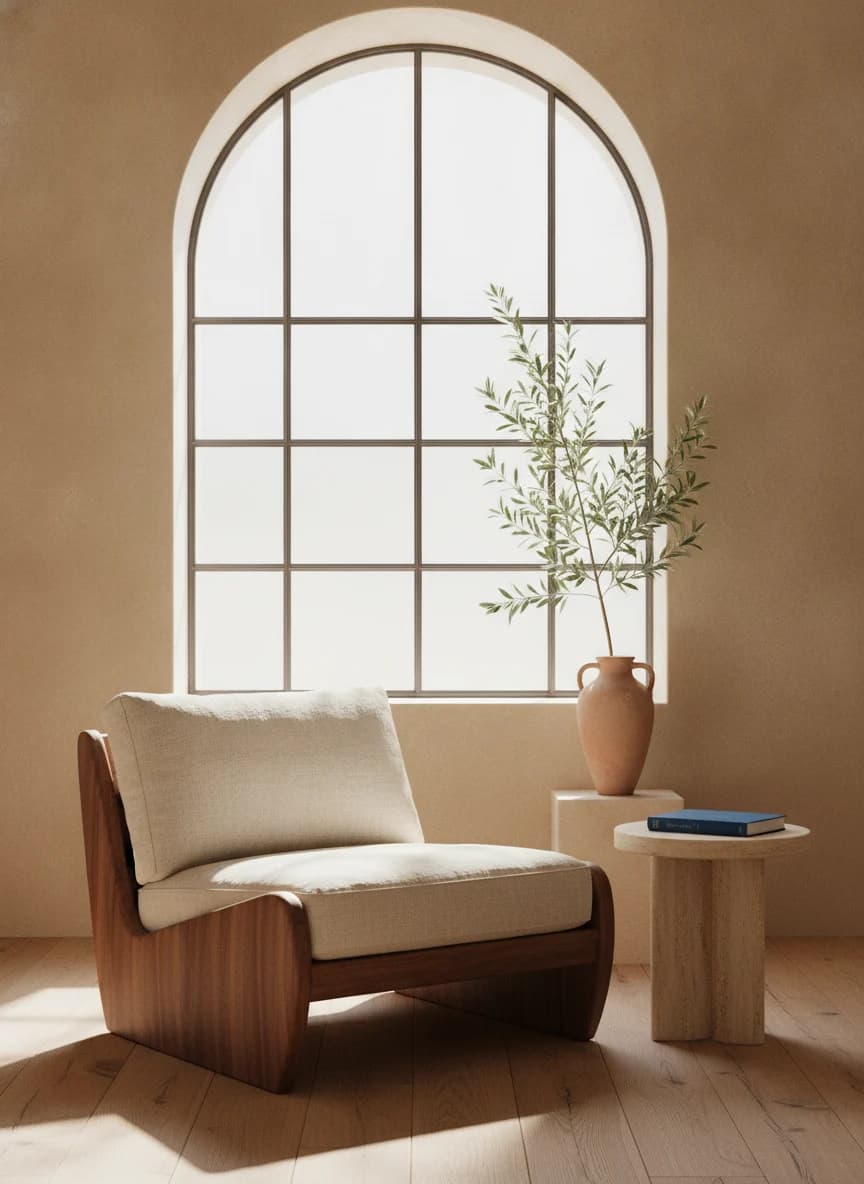
  • Sunlit reading corner with a walnut chair, arched window and stone side table

    A quiet corner in morning light

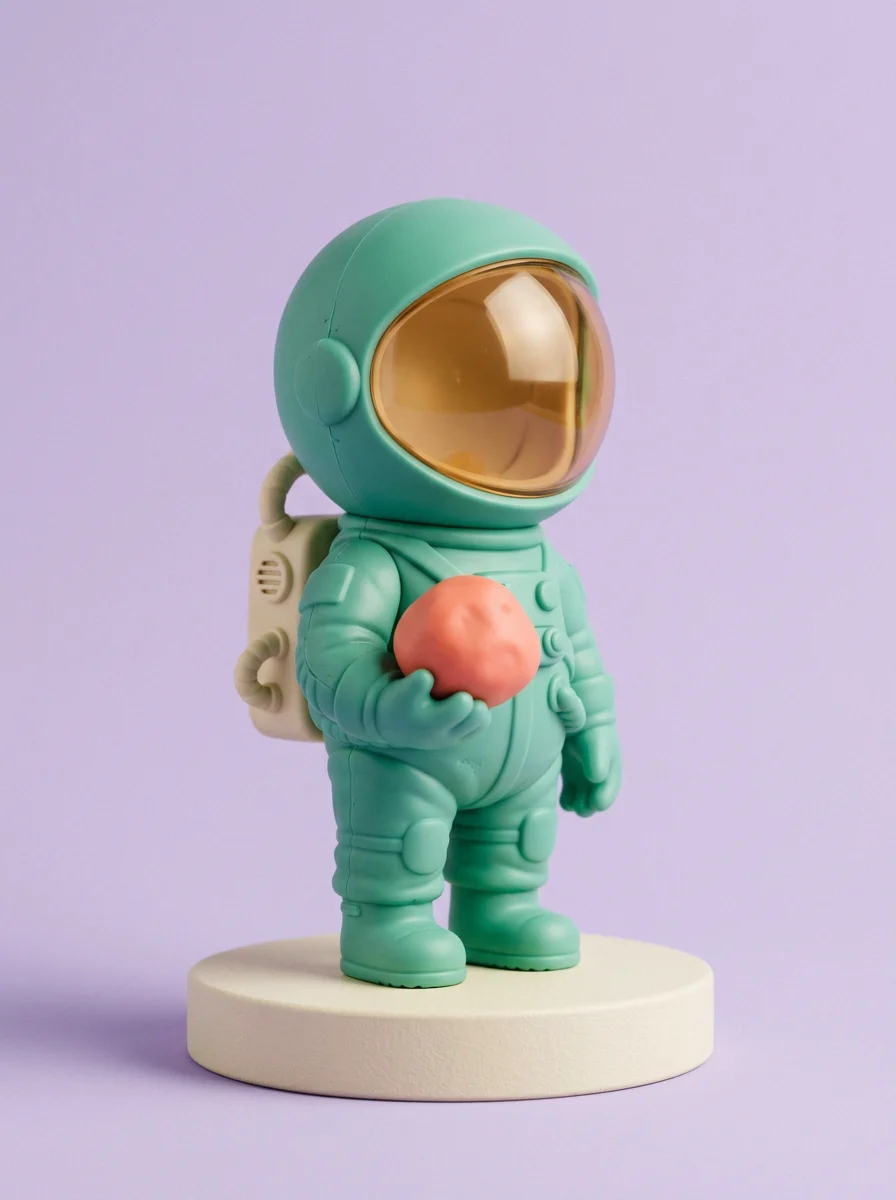
  • Mint-green astronaut toy holding a coral planet on a cream display plinth

    A miniature explorer

From a written idea to an image

Nano Banana family features in this workspace
FeatureAvailable optionsPut it to work
Text to imageNano Banana or Nano Banana 2Define subject, materials, viewpoint and light.
Reference editingNano Banana Edit or Nano Banana 2Describe a change without redesigning the subject.
Image sizeNano Banana 2: 1K / 2K / 4KTest the composition before increasing resolution.
CompositionAspect-ratio controlsLeave room for the final crop or added copy.
OutputPNG or JPEGInspect lettering and details at full size.

One idea. Two ways to picture it.

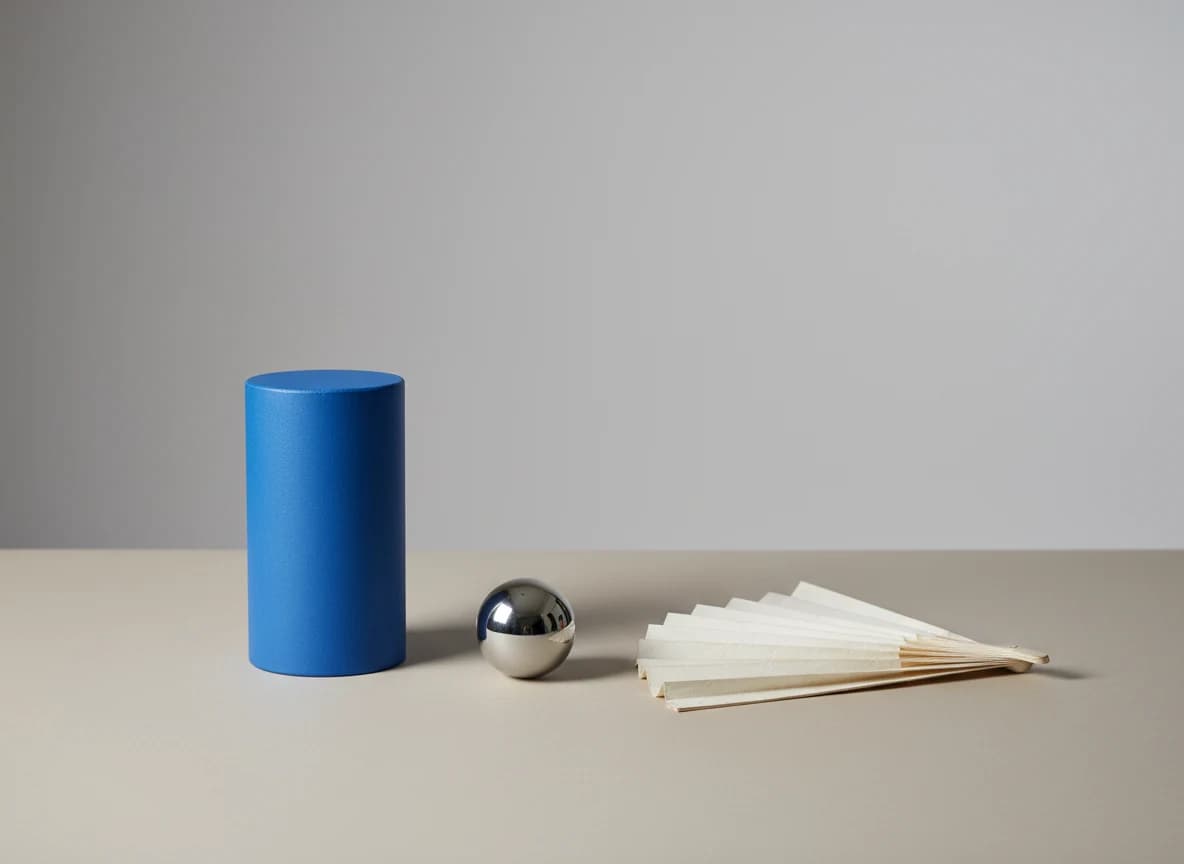
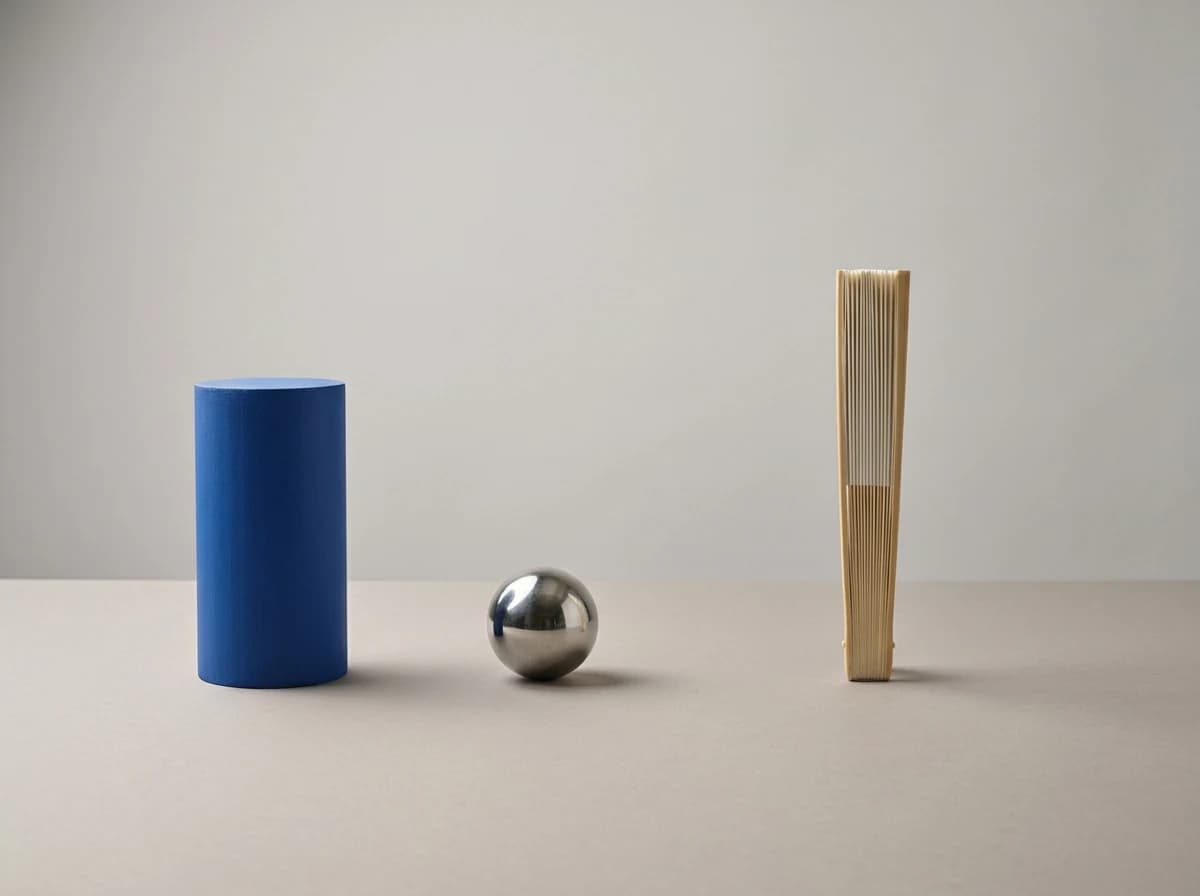
The same prompt asks both models for three objects, three materials and one light source. Compare the open paper fan and the reflections: these individual outputs show different interpretations, not a general winner.

Nano Banana

Nano Banana output: blue cylinder, steel sphere and open ivory paper fan on a gray tabletop

Nano Banana 2

Nano Banana 2 output: blue cylinder, steel sphere and narrow upright folded paper fan

Prompt

Create a carefully composed studio photograph of exactly three objects on a warm light-gray tabletop: one matte cobalt-blue cylinder on the left, one small polished steel sphere in the center, and one folded ivory paper fan on the right. Keep all three objects fully visible, separate, and not touching. The cylinder is taller than the sphere. The fan is wider than the cylinder. Use a straight-on camera just above tabletop height, a soft key light from the upper left, and one coherent set of soft shadows falling to the lower right. Leave generous empty space above the objects. The background is a seamless light-gray sweep. The material differences should be visible: matte paint, reflective metal, and creased paper. No writing, logos, additional props, people, frames, or watermarks.

Look beyond a pleasing first impression

The original model opens the fan wider. Nano Banana 2 leaves it narrower than requested. Check object count, relative size and shadow direction before deciding which version serves your layout.

Both use the same brief, 4:3 framing and no references; only Nano Banana 2 exposes a 1K selection. There is no shared seed control here.

Nano Banana vs Nano Banana 2

Original Nano Banana and Nano Banana 2 comparison
CompareNano BananaNano Banana 2
Model familyGemini 2.5 Flash ImageGemini 3.1 Flash Image
Text generationChoose Nano BananaChoose Nano Banana 2.0
Editing a photoChoose the separate Nano Banana Edit modelAdd references to Nano Banana 2.0
Resolution selectorNo selectable 1K / 2K / 4K tier1K / 2K / 4K
Choosing a versionTry the original interpretation of your briefCompare the result using the same inputs

For another approach to detailed posters and reference composition, explore Nano Banana Pro. Pro is a separate model, not another name for Nano Banana 2.

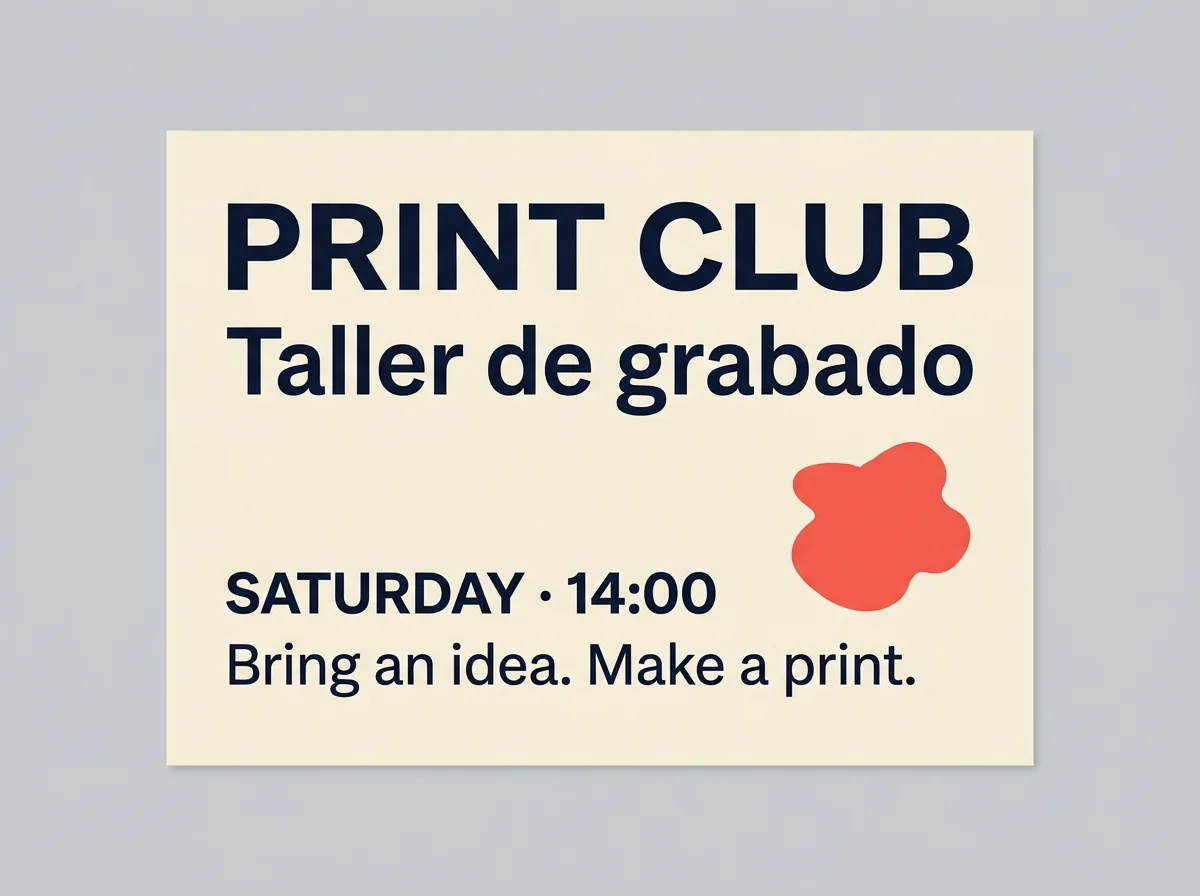
PRINT CLUB bilingual event card with red and blue graphic shapes

Two languages, one clear reading order

Set the exact copy apart from the visual direction. An English headline and Spanish subtitle need their own space; proofread every accent and punctuation mark.

Prompt

Design a single landscape event card for a fictional community printmaking workshop. Use a warm ivory background, a dark navy typographic hierarchy, and one simple coral-red abstract ink shape placed away from the text. Set these exact lines, each once, without translating or adding words: "PRINT CLUB"; "Taller de grabado"; "SATURDAY · 14:00"; "Bring an idea. Make a print.". Make PRINT CLUB the largest line. Place Taller de grabado immediately below it. Keep the time and final sentence smaller but readable. Use ample margins and a clear reading order. Avoid ornate lettering, texture over the text, logos, QR codes, phone numbers, and invented sponsors. Show only the flat card artwork, with no hands, desk, mockup, border, or extra panels.

Keep the product.
Change the setting.

Upload a product photo you own and name the details that must stay: shape, visible components, finish and color. Then describe the new background and contact shadow.

This brief selects Nano Banana Edit and requires your own photo. For two references with different roles, explore the Pro reference workflow.

Review the live quote and plan options before generating.

Prompt

Edit the attached product photograph. Treat the object in reference image 1 as the product to preserve, not as a loose style suggestion. Keep its shape, visible components, surface markings, proportions, orientation, and color as close to the reference as possible. Replace only the background and supporting surface with a warm light-gray seamless studio sweep and a pale stone plinth. Match the new contact shadow to the original light direction, and retain believable contact between the product and the surface. Do not add a label, invent a logo, duplicate the product, crop away a component, or introduce other objects. If additional references are attached, do not substitute their objects for the product in image 1. Produce a single finished photograph, not a before-and-after collage.

Questions before you generate

Are Nano Banana and Nano Banana 2 the same model?

No. Google names Gemini 2.5 Flash Image Nano Banana, and Gemini 3.1 Flash Image Nano Banana 2. This workspace keeps them as separate model selections. The Nano Banana 2.0 dropdown label refers to the Nano Banana 2 selection discussed here; loading an example does not merge the two models.

Which option should I select for an existing photograph?

For the original family, choose Nano Banana Edit rather than assuming the basic Nano Banana request accepts a reference. The editing brief on this page selects that existing Edit model. Nano Banana 2 is a separate option with reference-image input. Add images yourself and inspect the selected model before generating.

Does a prompt button change my aspect ratio or remove uploads?

It replaces the prompt and selects the example’s model in Image mode. Compatible settings and uploaded references remain. Incompatible model-specific controls can be reset, with a message next to the prompt. A switch to the original text-only example is blocked while references are attached; it never removes them for you. Uploading or submitting also blocks prompt loading.

Is the same-prompt exercise a quality benchmark?

No. The pair shows two real outputs, not a general ranking. Keep the prompt, framing and format aligned when comparing your own results. The models do not expose identical resolution controls, and one pair cannot establish a winner.

Will loading an example spend credits?

No. These buttons only prepare the workspace. You decide whether to generate after checking the selected model, references, settings and current credit quote. Generation charges and availability are governed by the workspace and your account; this guide does not promise a fixed price, free quota or completion time.